Draw Rider
Draw the track, press Ride, and a sled rider takes it with gravity and momentum only. 32 puzzles in four worlds with a limited ink supply, red boost ink, green bounce ink, pistons and wind, a daily track and a free sandbox with saved tracks.
How to play Draw Rider
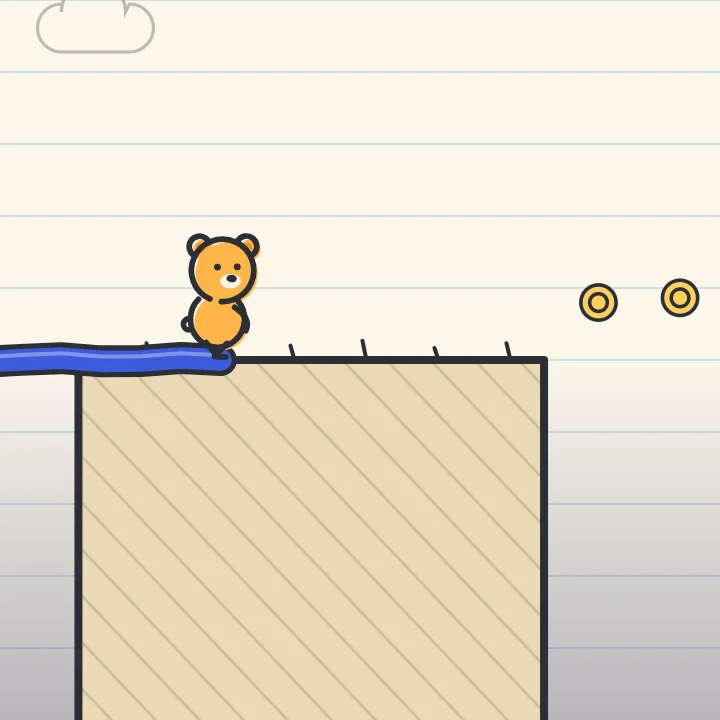
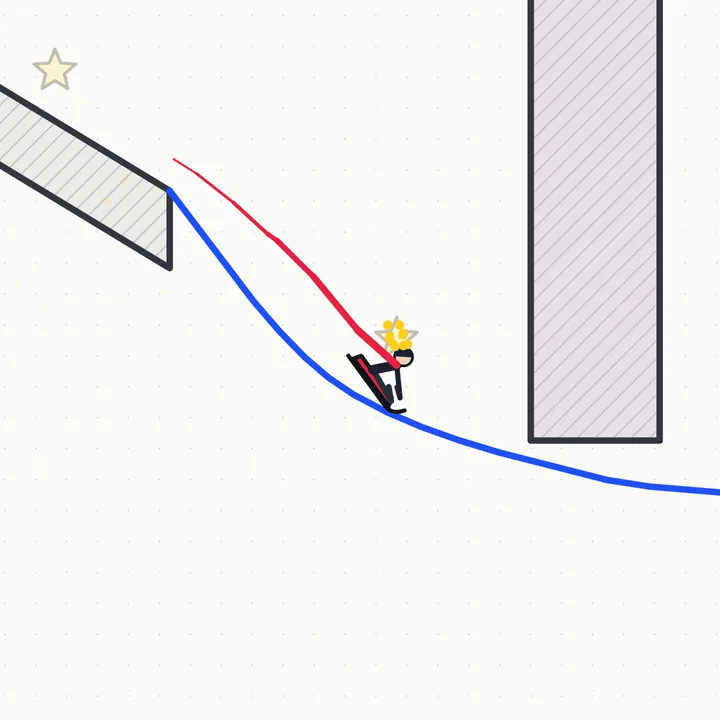
- Drag to draw a line of blue ink from the ramp to the flag. Your line becomes solid the moment you lift, and the ink bar at the top shows how much is left.
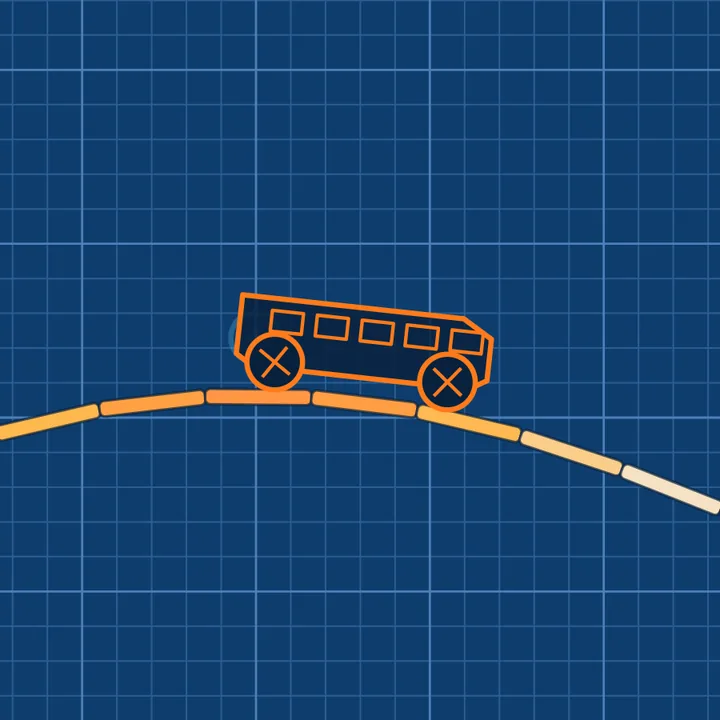
- Press Ride (Space). The rider has no motor: only gravity and the speed you build on your line carry the sled, so a dip gives speed and a climb takes it away.
- Collect the three stars on the way and reach the flag. Stars only count if you finish, a wipe-out keeps your lines, and Ride tries again at once.
- Finish with ink to spare for a Lean line: the black mark on the ink bar is the par. Boost ink (red) pushes the sled the way you drew it, bounce ink (green) throws it up, and pistons and wind change the ride from the Canyon on.
- Undo (Z) removes the last line, Erase (E, or right-drag) removes the line you touch, Clear (C) starts over. Zoom with the wheel or the buttons, pan with a middle-drag, or pinch and drag with two fingers.
- Stars open worlds, riders and the Sandbox. A new Daily track appears every day, the same for everyone, and keeps a streak.
Controls
| Keyboard and mouse | Touch |
|---|---|
| Drag Draw a line (mouse) | Drag one finger; a magnifier shows the point under it |
| Right-dragE Erase a line | Erase button, then drag over a line |
| 123 Pen, Boost or Bounce ink | Pen, Boost and Bounce buttons |
| SpaceEnter Ride, and Stop while riding | Ride / Stop button |
| Z Undo the last line | Undo button |
| C Clear all lines | Clear button |
| Wheel+-0 Zoom, and fit the whole level | Zoom buttons, Fit button, or pinch with two fingers |
| Middle-drag Pan the view | Drag with two fingers |
| R Stop the ride and keep the lines | Stop button |
| PEsc Pause and resume | Pause button at the top |
| M Level map | Map button in the pause menu and on the result card |
| Enter Next level on the result card | Next button |
On a phone or tablet: Draw with one finger: a magnifier above your finger shows exactly where the line goes, and two fingers pan and pinch to zoom. Pen, Boost, Bounce and Erase, Undo, Clear, the zoom buttons and the big Ride button are always on screen, in columns at the sides when the screen is wide and in a dock under the track when it is upright. Pause is at the top. On-screen controls and Left-handed are in the pause menu.
About this game
Draw Rider is a physics puzzle about one idea: a sled rider with no motor and a track you draw yourself. Every level has a start ramp, a finish flag, three stars and a limited supply of ink. You draw lines, press Ride, and gravity and momentum do the rest. A dip builds speed, a climb spends it, a gap has to be bridged or jumped from a launch ramp, and a landing that is too steep ends with the rider's head on the line. The physics runs on a fixed step, so the same track always gives the same ride, whatever your screen's refresh rate, and a wipe-out never loses your lines: you tweak and ride again in a second. Thirty-two handmade levels in four worlds teach one new thing each. Slopes is pen only. Canyon adds red boost ink, which pushes the sled the way you drew it, and black spikes. Factory adds green bounce ink, which throws the sled upwards, and pistons that drop on a beat. Night Peak adds wind that lifts, pushes and drags. Every level has three stars to collect on the way and a Lean line badge for finishing with ink to spare, and each one ships with a stored solution that was ridden and checked, so the ink limit is tight but fair. Stars unlock worlds, three more riders, a sled, a board, a bike and a rocket cart, and the Sandbox, where ink is free, you can save five tracks and share a track as a short code. A Daily track is generated from the date, the same for everyone, and keeps a streak. Your progress stays in this browser, and a reload brings back the level you were on, paused, with your lines still drawn.
Questions
Is Draw Rider free?
Yes. It is free to play in your browser on a computer, tablet or phone, with nothing to download and no sign-up. Your stars, riders and saved tracks stay in this browser.
Can I play it on my phone?
Yes. Draw with one finger and a magnifier above your finger shows where the line goes. Pen, Boost, Bounce, Erase, Undo, Clear, zoom and Ride are on-screen buttons of 44 pixels or more, it works upright and sideways, and two fingers pan and pinch to zoom.
Why did the rider wipe out?
The head touching any line, a spike or a piston ends the ride, and so does falling off the map or stalling. The note after a wipe-out says which, the dotted red path shows where the sled went, and your lines are kept so you can fix just the bad spot.
How do stars, Lean line and unlocks work?
Finishing earns at least one star and each of the three stars you touch on the way counts when you finish. A Lean line badge means you finished with ink at or under the par mark on the ink bar. Stars open the Canyon at 12, the Factory at 34, Night Peak at 58, the Sandbox at 20 and the board, bike and rocket cart at 24, 48 and 72.
What are boost and bounce ink?
Boost ink, in red, pushes the sled along the line in the direction you drew it, so draw it the way you want to go. Bounce ink, in green, throws the sled away from the line when it lands on it. Each level has its own small supply of both.
Is the Daily track the same for everyone?
Yes. It is built from the date, so everyone gets the same gaps and stars that day, and it is checked to be solvable. Finish it on consecutive days to build a streak.
Can I save a track and share it?
In the Sandbox, open the pause menu: save up to five tracks, copy a short track code, or paste a friend's code to load their lines.