 Doodle Cub
How to play Draw My Wheels
- Draw one stroke on the pad. It becomes both wheels of your racer, and the race starts. The racer drives itself: you only choose the shape.
- Read the sign before each obstacle and redraw in time. Big round wheels are fastest on open ground; a cross or a long line hooks over walls and tall steps.
- Low roofs need a small wheel, gaps need a big one, and water needs spokes or a spiky star to paddle. A wheel that will not fit under a roof is refused.
- Tap a quick wheel to reuse one of your last three shapes. Stuck or flipped? Press Checkpoint to go back to the last flag with your time still running.
- Beat Rookie, Pro and Ace for up to 3 stars, chase the dev time on every track, and spend stars on new worlds, racers and ink colours.
About this game
Draw My Wheels is a physics racer where the only control is a pencil. Whatever you sketch on the pad becomes both wheels of your racer and spins on its motors, so the shape decides everything: a big circle is fastest on open concrete, a cross or a long straight line walks up walls and tall steps, a small wheel fits under low roofs, and a spiky star paddles through water. Every track mixes these obstacles, with a sign and a distance readout before each one, so the skill is reading ahead and redrawing at the right moment; drawing slows time so you can sketch mid-jump. You race three rivals who draw their own wheels: beat Rookie, Pro and Ace for one, two or three stars, and beat the dev time for a gold mark. Thirty-two tracks across the Yard, the Quarry, the Docks and the Foundry open with stars, along with six racers and seven ink colours, and a new Daily track is generated every day with a streak to keep. Your progress stays in this browser, and a reload brings the race back paused at your last checkpoint.
Controls
- DragDraw new wheels on the pad (mouse)
- 123Reuse one of your last three wheels
- RBack to the last checkpoint
- TBackspaceRestart the race
- PEscPause and resume
- EnterNext track or race again
- MTrack map (from pause or results)
On a phone or tablet: Draw with a finger on the pad: below the track when upright, beside it when sideways. Tap the quick wheels to reuse a shape, Checkpoint to go back to the last flag, and the round buttons at the top to pause or restart. Left-handed moves the pad to the other side.
Questions
Is Draw My Wheels free?
Yes. It is free to play in your browser on a computer, tablet or phone, with nothing to download and no sign-up.
Can I play it on my phone?
Yes. It works upright or sideways: the draw pad sits under the track when you hold the phone upright and beside it when you turn it, and every action has an on-screen button. A left-handed setting moves the pad to the other side.
What shape should I draw?
Big round wheels for speed on open ground, a cross or a long line for walls and tall steps, a small circle for low roofs, a big circle for gaps and ditches, and a spiky star for water. Watch the rivals: they redraw before each obstacle too.
How do stars and the dev time work?
Finish ahead of Rookie for 1 star, ahead of Pro for 2 and ahead of Ace for 3; you need 1 star to open the next track. The dev time is the reference driver's time on that track, and beating it marks the track with a gold dot.
More games

Doodle Dash
Paint your car, then race the clock down a neon highway. Scrape past traffic for nitro.
Doodle Snake
Neon snake with a skin you draw. Chain orbs up to x8, dodge blocks and sparks, grab power-ups, beat your best.
Coloring Book
Bold line-art pages to fill: city scenes, sneakers, low-poly animals and mandalas. Beat the par in Speed Fill and play the daily Palette Drop.
Crayon Solitaire
Klondike solitaire on ink-blue felt. Every deal is solver-checked winnable. Draw 1 or Draw 3, a Daily Deal, Vegas mode and a card back you draw yourself.
Crayon Runner
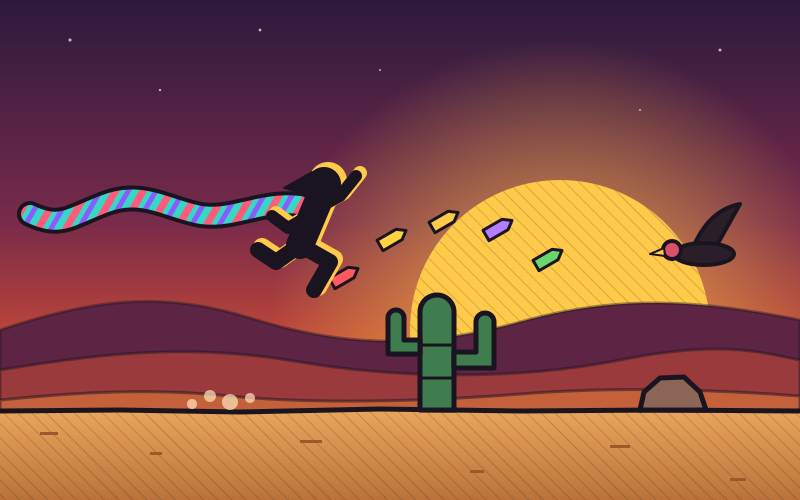
One-button desert runner at dusk. Tap to hop, hold to fly higher, duck vultures, chain close calls and run five biomes in a scarf you draw.
Block Doodle
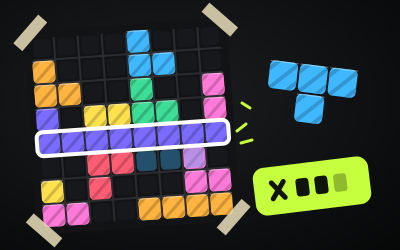
8x8 block puzzle: drag pieces onto the board, clear rows and columns, chain combos. Classic, a Daily and 60 puzzles.