 Doodle Cub
How to play Color by Number
- Pick a mode: Speed (race the par), Perfect (3 lives, no hints) or Relax (no clock, progress saves).
- Choose a number in the palette, then tap or drag over the cells with that number. In Speed and Relax the cells of the selected number glow.
- Zoom in to read the numbers: the zoom button, a pinch or the mouse wheel. Pan with two fingers, right-drag, or the Move tool. Undo takes back a stroke, but time added and lives lost stay.
- Each picture has three stars: finish it, beat its par in Speed, and clear it in Perfect. Stars open the next packs: Street, Space, Synth City and Legends.
- Blitz: small pictures one after another on one clock. Clearing a picture adds time, a wrong tap costs 3 seconds, and a clean streak multiplies your points up to x5.
About this game
Color by Number turns original pixel posters into a race. Every picture is drawn in code for this game: neon hearts, ramen at midnight, ringed planets, auroras, outrun sunsets, koi ponds and a 64x60 megacity. Play it calm in Relax, or for real: Speed mode puts a par time on every picture and stops your drag at the edge of each number, Perfect mode hides the hints and paints every cell your finger crosses with only three lives, and Blitz throws ever bigger pictures at you on one shrinking clock. Stars from all three open new packs and the Bucket tool. A Daily picture is the same for everyone each day; play it daily to keep your streak.
Controls
- 19Pick number 1 to 9 (type two digits for 10 and up)
- []Previous / next number
- FFind a cell of this number
- ZFit the picture / back to your zoom
- CtrlZUndo (Shift+Ctrl+Z or Ctrl+Y redo)
- BBucket (once unlocked)
- PPause and resume
- EnterNext picture / play again
On a phone or tablet: Tap or drag with one finger to paint. Buttons above the numbers: Undo, Redo, Fit, Zoom in, Find and Move (one finger pans). Pinch to zoom and drag with two fingers to pan. Touch hints and thumb-size tools follow how you play, touch-screen laptops included; the pause menu sets On-screen controls to Auto, Always or Off.
Questions
Is Color by Number free?
Yes. It is free to play in your browser on a phone, tablet or computer, with nothing to download and no sign-up.
How is the par time set?
Par comes from the picture itself: how many colours it has, how many separate areas you need to start a stroke in, and how many cells there are. It was tuned with simulated players on phones and computers: small icons have a par of 45 seconds to under 3 minutes, and the 64 pixel Legends posters 11 to 21 minutes.
What is the difference between the modes?
Relax has no clock and saves your progress. Speed has a clock and a par; a drag stops at a cell of another number and a wrong tap adds 5 seconds. Perfect hides the glow on matching cells and paints every cell you drag across, and three wrong cells end the run.
How do I unlock packs?
Each picture gives up to three stars. Street opens at 6 stars, Space at 16, Synth City at 28 and Legends at 42. Blitz scores of 5,000, 15,000 and 30,000 add a star each, and the Bucket tool unlocks at 10 stars.
What happens if I reload the page?
The picture you are painting comes back paused, exactly as you left it. Stars, best times, your Blitz best and Relax progress are saved in this browser.
More games

Doodle Dash
Paint your car, then race the clock down a neon highway. Scrape past traffic for nitro.
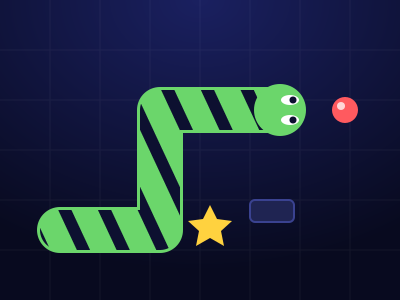
Doodle Snake
Neon snake with a skin you draw. Chain orbs up to x8, dodge blocks and sparks, grab power-ups, beat your best.
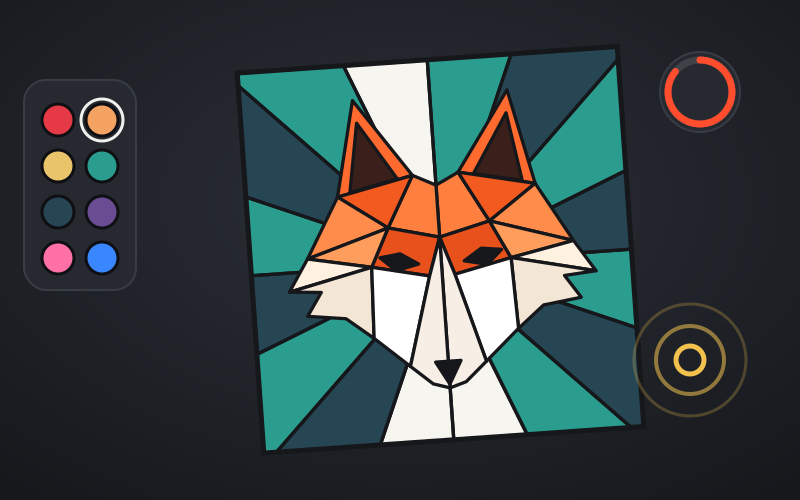
Coloring Book
Bold line-art pages to fill: city scenes, sneakers, low-poly animals and mandalas. Beat the par in Speed Fill and play the daily Palette Drop.
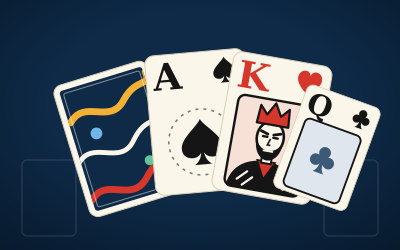
Crayon Solitaire
Klondike solitaire on ink-blue felt. Every deal is solver-checked winnable. Draw 1 or Draw 3, a Daily Deal, Vegas mode and a card back you draw yourself.
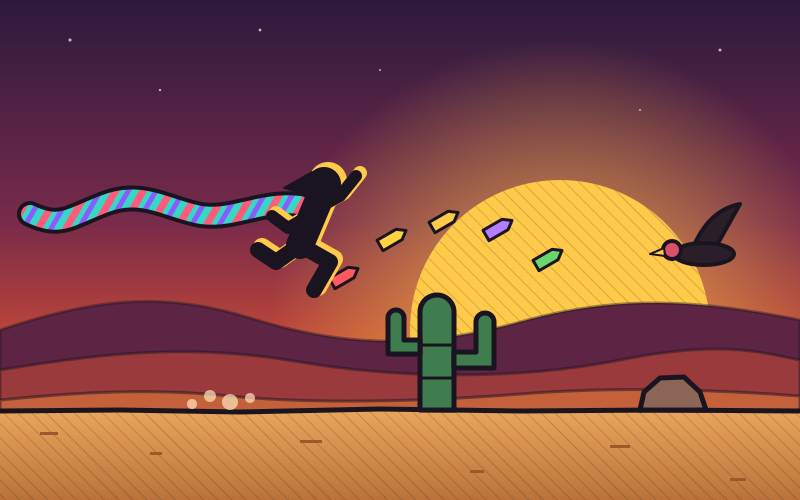
Crayon Runner
One-button desert runner at dusk. Tap to hop, hold to fly higher, duck vultures, chain close calls and run five biomes in a scarf you draw.
Block Doodle
8x8 block puzzle: drag pieces onto the board, clear rows and columns, chain combos. Classic, a Daily and 60 puzzles.