 Doodle Cub
How to play Drawing Studio
- Pick a sheet: Square, Wide or Tall. The sheet keeps its size and shape, so turning your phone or resizing the window never stretches your drawing.
- Choose a medium in the tray: pencil HB and 6B, charcoal, fine pen, brush pen, watercolour, marker, crayon or soft pastel. Each lays down like the real thing: grainy, inky, soft or see-through.
- Pick a colour (the rainbow dot opens any colour you like) and set the size with the slider.
- Draw with a mouse, a finger or a stylus. With a pen such as Apple Pencil, pressing harder makes a thicker line, and your fingers only move the sheet so your palm never leaves marks.
- Fill a closed shape with the bucket, rub out with the eraser, and undo or redo as much as you need. Zoom in for details.
- Your drawings are kept in this browser under My drawings. Download a PNG at full size (1600 px) to keep or share.
About this game
Drawing Studio is a freehand sketchpad that puts real-feeling drawing media in your browser. Nine media come from the Doodle Cub drawing videos: pencil HB and 6B with paper grain, charcoal with dust, a crisp fine pen, a brush pen that thins as you speed up, soft-edged watercolour that layers like a glaze, a marker that darkens where strokes cross, waxy crayon and chalky pastel. Strokes taper at both ends and respond to stylus pressure. There is an eraser, a fill bucket that tucks colour under your lines, a colour picker, up to 48 undo steps, zoom up to 12x and three sheet shapes. Each sheet has a fixed size (1600 px on the long side), so rotating a phone or tablet only changes how large the sheet is shown, never the drawing itself. Drawings are saved in your browser as you go and can be downloaded as PNG files.
Controls
| Keyboard | Touch |
|---|---|
| DragDraw | Draw with one finger or a pen |
| 1–9Pencil, 6B, charcoal, pen, brush pen, watercolour, marker, crayon, pastel | Tap a tool in the tray |
| EGEraser, fill bucket | Eraser and bucket buttons |
| []Smaller or bigger | Size slider |
| AltClickPick a colour from the drawing | Rainbow dot opens a colour picker |
| CtrlZUndo (add Shift to redo) | Undo and Redo buttons |
| ScrollZoom at the pointer | Pinch with two fingers, or the + and − buttons |
| SpaceDragMove the sheet | Drag with two fingers |
| FFit the sheet | Fit button |
| EscMenu | Menu button |
On a phone or tablet: Draw with one finger or a pen. Two fingers move and zoom the sheet; a line you had just started when the second finger landed is taken back. Once you use a stylus, fingers only move the sheet. The round + and − and Fit buttons follow On-screen controls (Auto, Always or Off) in the menu, and Left-handed moves the tray to the left in landscape.
Questions
Is Drawing Studio free?
Yes. It is free in your browser, with nothing to install and no sign-up.
Does it work with Apple Pencil or a stylus?
Yes. Pen pressure changes the line width, and once a pen is used, fingers only move and zoom the sheet so your palm does not draw.
Will turning my phone mess up my drawing?
No. The sheet has a fixed size and shape. Turning the device only changes how big it looks on screen.
Where are my drawings saved?
In this browser on this device, under My drawings on the home screen. Download a PNG to keep a copy elsewhere.
How big is the PNG?
1600 x 1600 px for a square sheet, 1600 x 1200 for wide and 1200 x 1600 for tall.
More games
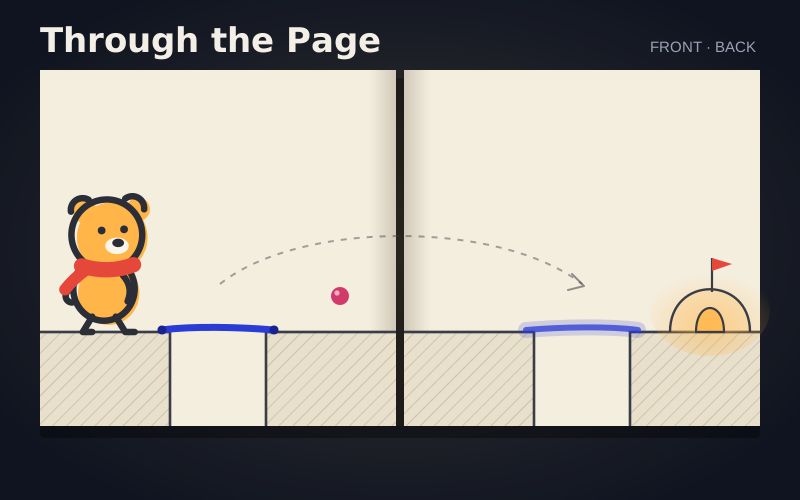
Doodle Cub: Through the Page
Draw on one side of a sketchbook page and the ink soaks through to the other, mirrored. 100 pages in 10 chapters: tape, holes, pencil, stamps, springs and a sheet that loops.
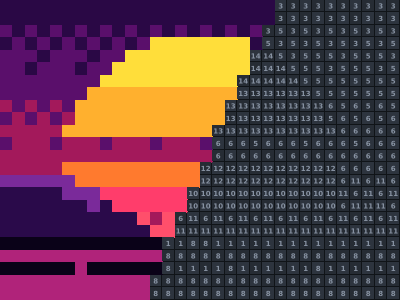
Color by Number
41 pixel posters to paint by number: synth sunsets, neon signs, space and street food. Race the par, survive Perfect mode, chase a Blitz high score.
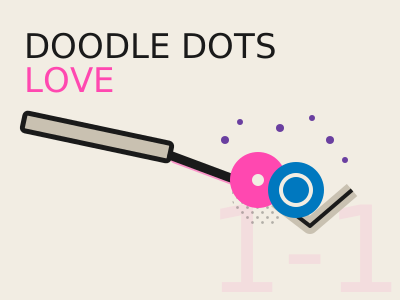
Doodle Dots Love
Draw one line, let physics run, make the two dots touch. 50 riso-print puzzles with spikes, see-saws, portals, gears and crates.
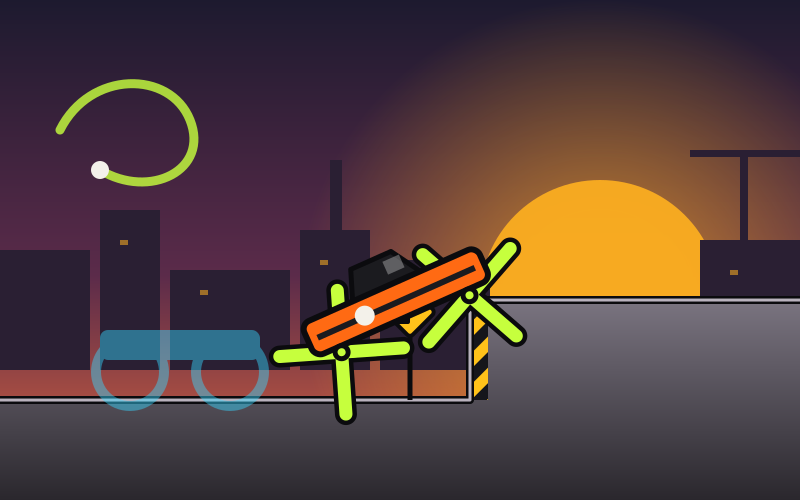
Draw My Wheels
Draw a shape and it becomes your wheels. Redraw mid-race to climb walls, paddle water, bridge gaps and squeeze under low roofs. 32 tracks, three rivals, a Daily.
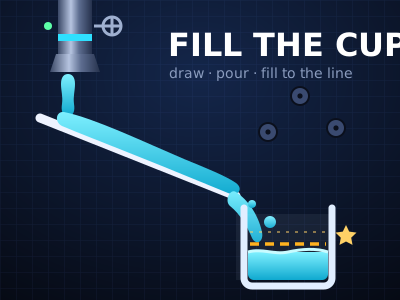
Fill the Cup
Draw lines, open the tap, and steer glowing liquid into the cup. 40 lab puzzles with pegs, moving cups, fans, hot plates and two-colour mixing.

Dot Quest
Connect the dots against the clock: drag one line through the numbered stars and an etched gold picture blooms. 48 skies with decoys, drifting stars and hidden numbers.