

Version 2.0 iPhone and iPad
Private Photo: Secret Album
Encrypted vault for photos & files
An encrypted vault for photos, videos and documents, with Face ID, a recovery phrase and albums you can seal until a date.
- iPhone and iPad
- No account, no ads, no tracking
- Encrypted backup in your own iCloud
- Pro is one purchase, no subscription
Top 4
Lock it, seal it, shrink it, back it up
A vault that keeps your private things private, even from us.
Encrypted vault
An encrypted vault
Photos, videos and documents (scan to PDF) are encrypted on the device. Open it with Face ID or your own passcode.
- Unlimited vault, free
- Trash keeps deletions for 30 days
- Album lock and hidden covers
Seal an album
NewSeal an album until a date
Lock an album until a date you choose. A Soft seal can be opened early with your recovery phrase after 72 hours; a Hard seal cannot be opened by anyone.
- Time-lock from the public drand network
- Free: 1 Seal
Super Zip
NewShrink, then share or keep
Shrink photos and videos first, then keep them in the vault, make an AES-256 password zip, or make a .ppzip with an open date that deletes itself after N days.
- Password zip opens in 7-Zip and other zip apps
- A .ppzip opens only in Private Photo
Private backup
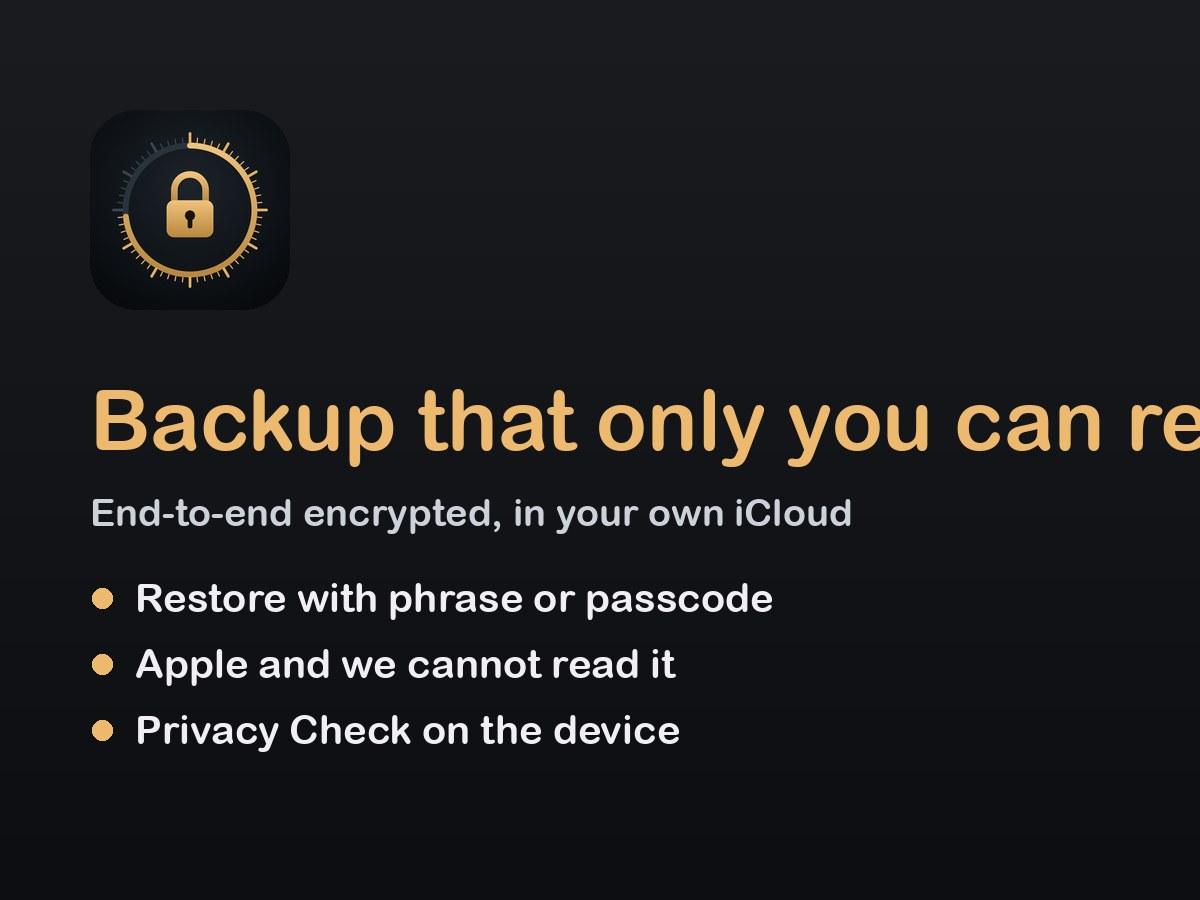
Backup only you can read
An end-to-end encrypted backup in your own iCloud. Apple and we cannot read it; restore with your recovery phrase or passcode.
- 24-word recovery phrase
- Privacy Check runs on the device
And more
Built to keep you in control
Small things that make a vault safe to rely on.
- Scan to PDFScan paper documents straight into the vault.
- Recovery phrase24 words that get you back in if you forget the passcode or lose the phone.
- TrashDeleted items wait 30 days before they are gone for good.
- Privacy CheckLooks for things you may not want to share, on the device.
- Album lockLock single albums and hide their covers.
- Family SharingPro can be shared with your family.
Your things stay yours
- Data Not CollectedNo account, no ads, no analytics, no tracking.
- Encrypted on the deviceOnly your passcode, Face ID or recovery phrase can unlock it.
- Your own iCloudEnd-to-end encrypted backup that Apple and we cannot read.
- Always a way outShare, save or export everything whenever you like.
Free to use, one purchase for Pro
Private Photo is free to download. Free includes an unlimited vault, 1 Seal and password zips of up to 20 items.
Private Photo Pro is a one-time purchase, not a subscription, and it works with Family Sharing. The App Store shows the price for your country before you buy.
See the terms of use and the privacy policy. Need help? Private Photo support or write to [email protected].
Questions
Do I need an account?
No. There is no sign-up. Your vault is on the device and in your own iCloud if backup is on.
What if I forget my passcode?
Use your 24-word recovery phrase. We cannot reset the passcode because we never have your keys.
Soft seal or Hard seal?
A Soft seal can be opened early with your recovery phrase after 72 hours. Only a Hard seal means nobody can open it before the date.
Is Pro a subscription?
No. Private Photo Pro is a single purchase that does not renew.
Get Private Photo
For iPhone and iPad.