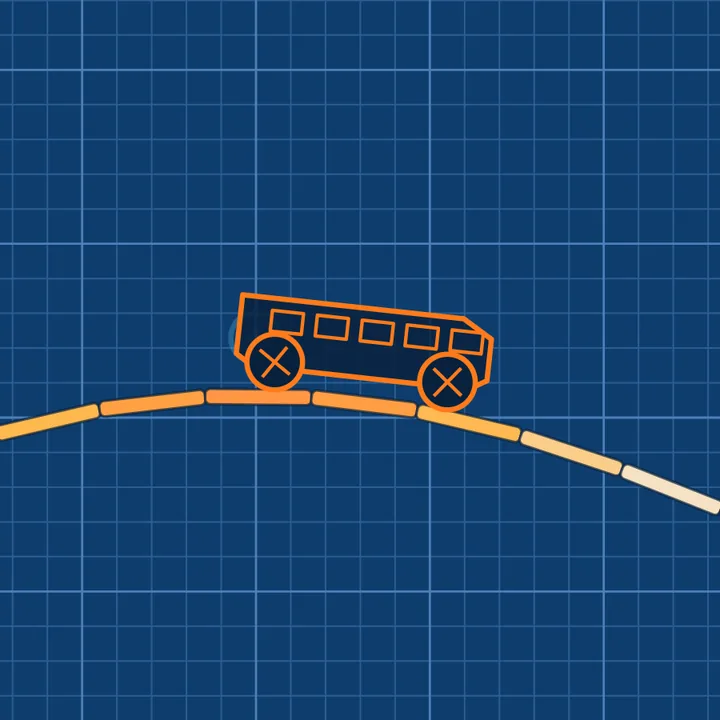
Draw a Bridge
Draw one line across the gap and it becomes a real beam with weight, sag and a snapping point. Press Go and watch the car cross, or fall. 40 blueprint levels in 5 worlds, three stars each and a Daily crossing.
How to play Draw a Bridge
- Drag across the sheet to draw a beam. It becomes solid the moment you lift, and the ink bar shows how much you have left against the par tick.
- Press Go (Space). The car drives itself at a steady speed. Your beam sags under its own weight and the car's, and joints turn from white to amber to red before they snap.
- Long spans sag, so bend them into an arch, rest the middle on a pier, or ride a lift. Trucks and buses are heavier and need stronger shapes. Keep climbs under about 40 degrees.
- Earn one star for crossing, one for ink at or under par and one for rolling through every rivet. Match the designer's line for an Engineer seal.
- Missed? Retry keeps your lines and dots the car's last path. Undo removes the last line, Clear starts a fresh sheet, and Hint shows the designer's line (no seal if you use it).
- Two stars per level open the next world. Later worlds add moving lifts and ferries, and up to three lines with anchor dots that pin a beam end.
Controls
| Keyboard and mouse | Touch |
|---|---|
| Drag Draw a beam (mouse) | Drag a finger; a magnifier shows the tip |
| SpaceEnter Go, then Next on the result card | Go button |
| ZBackspace Undo the last line | Undo button |
| R Retry (keeps lines) or clear the sheet | Retry / Clear button |
| H Hint: show the designer's line | Hint button |
| PEsc Pause and resume | Pause button |
| M Level map | Map button |
| D Daily crossing (on the map) | Daily button on the map |
On a phone or tablet: Draw with a finger: a magnifier floats beside your fingertip so your hand never hides the end of the beam. Go, Undo, Retry and Hint are large buttons beside the sheet when sideways and under it when upright; Pause, Sound and the level map sit in the top bar. Left-handed and Vibrate are in the pause menu.
About this game
Draw a Bridge is a physics puzzle on a blueprint sheet. A car waits at the edge of a gap, and you have one tool: a pen with a limited supply of ink. Whatever you draw becomes a real beam made of joined segments, so it has weight, it bends under load and it can break. Press Go and the car drives itself across at a steady speed while the physics engine decides what happens. A long flat line sags in the middle and the joints glow from white to amber to red as they take more strain; past their limit they snap and the car falls. An arch moves the load into the cliffs and carries a much wider gap with far less stress, and a pier or a stepping stone lets you split a span in two. Forty handmade levels across five worlds each add one idea. Gaps teaches spans, slopes and arches. Hills adds steps, dips and a summit where a climb past about forty degrees stalls the car. Heavy brings trucks and buses that are several times heavier, so a line that holds a hatchback snaps under them. Moving puts lifts and ferries in the gap that never stop, and the line has to ride them. Multi allows up to three lines and anchor dots that pin the end of a beam so it can hinge. Every level has three stars: one for crossing, one for staying at or under par in ink, and one for rolling through every rivet, which usually asks for a tighter, cleverer shape. Match the designer's own line to earn an Engineer seal. Stars open the next world and new car colours, and a new Daily crossing is generated for each UTC day, the same for everyone, with a streak to keep. Retry is instant and keeps your lines on the sheet, with the car's last path dotted in so you can see where it went wrong. Progress stays in this browser, and a reload brings back the level you were on with your lines still drawn, paused.
Questions
Is Draw a Bridge free?
Yes. It is free to play in your browser on a computer, tablet or phone, with nothing to download and no sign-up. Stars and unlocks are saved in this browser.
Can I play it on my phone?
Yes. Draw with a finger and a magnifier shows exactly where the beam goes. Every action has a large on-screen button, and a left-handed layout is in the pause menu. Sideways gives the biggest sheet.
Why did my beam snap or sag?
Beams have weight and a strength limit. A long flat line bends in the middle and the joints turn amber, then red. Arch the line, add a pier or stone under the middle, or shorten the span. The fail card says what happened.
How do stars and the Engineer seal work?
One star for crossing, one for using ink at or under par, and one for rolling through every rivet. An Engineer seal needs all three stars and ink within a few percent of the designer's own line, without using Hint.
What is the Daily crossing?
A fresh level generated from the date, the same for every player on that UTC day and checked to be solvable. Finishing it keeps your streak going.
Is my progress saved?
Yes, in this browser. A reload returns you to the level you were on with your lines still drawn, paused until you resume.