 Doodle Cub
How to play Coloring Book
- Pick a page, or press the big button to start the next one. Every page shows its region count and difficulty.
- Choose a colour and tap a region to fill it. Fills never cross the lines, so you can be quick.
- Zoom in to reach small regions: press + and − (when you play by touch, the round buttons in the corner), scroll or pinch, and drag to move the page. Tap the completion ring to jump to an empty region.
- Fill every region to finish the page. Leave no two touching regions the same colour to earn a Clean tick.
- Turn on Speed Fill to race the par (1.1 seconds per region): under par earns gold, under 70% of par earns platinum. Each Palette Drop gives everyone the same page and five colours for the day.
About this game
Coloring Book is a line-art studio for quick, satisfying colouring. It has 32 pages in four packs: Streets (city scenes), Kicks (sneakers), Wild (low-poly animal heads) and Geo (mandalas, stained glass and patterns), from 58 to over 450 regions. Fills always stay inside the lines, and you can zoom in up to 8x for the tiny regions every page hides. Finishing pages unlocks neon swatches, gradient and pattern fills, and new packs. For a challenge, Speed Fill times each page against its par, and the daily Palette Drop gives every player the same page and five colours, with a streak for each day in a row. Finished pages can be saved as a 2048 px PNG. If you reload by accident, your page comes back exactly as you left it.
Controls
| Keyboard | Touch |
|---|---|
| ClickFill a region | Tap the region |
| ScrollZoom at the pointer (drag to pan) | + and − buttons (or pinch); drag to move |
| +−Zoom in and out | + and − buttons |
| RFit the page | Fit button |
| 1–0Pick a colour | Tap a swatch |
| FGTIFill, gradient, pattern, eyedropper | Fill, Grad, Dots, Pick buttons |
| HFind an empty region | Tap the ring |
| CtrlZUndo (add Shift to redo) | Undo and Redo buttons |
| PPause and resume | Pause button |
On a phone or tablet: Tap a region to fill it. The round + and − buttons in the corner zoom (pinch works too) and you drag with one finger to move the page. Swatches, tools, Undo, Redo and Fit sit in the tool sheet, and the ring at the top finds an empty region. The zoom buttons show whenever you play by touch, touch-screen laptops included, and hide when you press a key; the pause menu sets On-screen controls to Auto, Always or Off, and Left-handed moves them to the other side.
Questions
Is Coloring Book free?
Yes. It is free to play in your browser, with nothing to download and no sign-up.
How do I finish a page?
Fill every region, including the small ones. The ring at the top shows how much is done; tap it to zoom to the nearest empty region.
What are Speed Fill and par?
Speed Fill times the page from your first fill. Par is 1.1 seconds per region. Finish under par for a gold tick and under 70% of par for platinum. Using the ring to find a region adds 5 seconds.
What is the Palette Drop?
A daily page with five set colours, the same for everyone that day. Difficulty follows the weekday, from Easy on Monday to Insane on Sunday. Finish it on consecutive days to grow your streak.
How do I unlock more packs and tools?
Finish pages. Neon swatches open after 1 page, gradient fill after 2, pattern fill after 6, the Kicks pack after 4, Wild after 10 and Geo after 18.
Can I save my artwork?
Yes. When a page is finished, press PNG to download it at 2048 x 2048 pixels. Your progress on every page is also kept in this browser.
More games

Doodle Dash
Paint your car, then race the clock down a neon highway. Scrape past traffic for nitro.
Doodle Snake
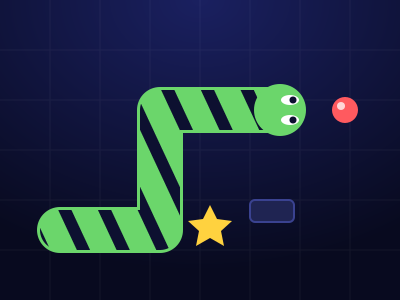
Neon snake with a skin you draw. Chain orbs up to x8, dodge blocks and sparks, grab power-ups, beat your best.
Crayon Solitaire
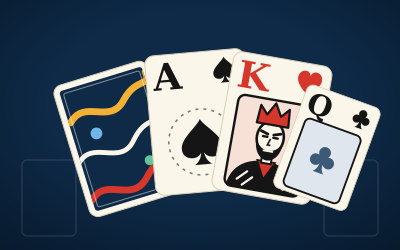
Klondike solitaire on ink-blue felt. Every deal is solver-checked winnable. Draw 1 or Draw 3, a Daily Deal, Vegas mode and a card back you draw yourself.
Crayon Runner
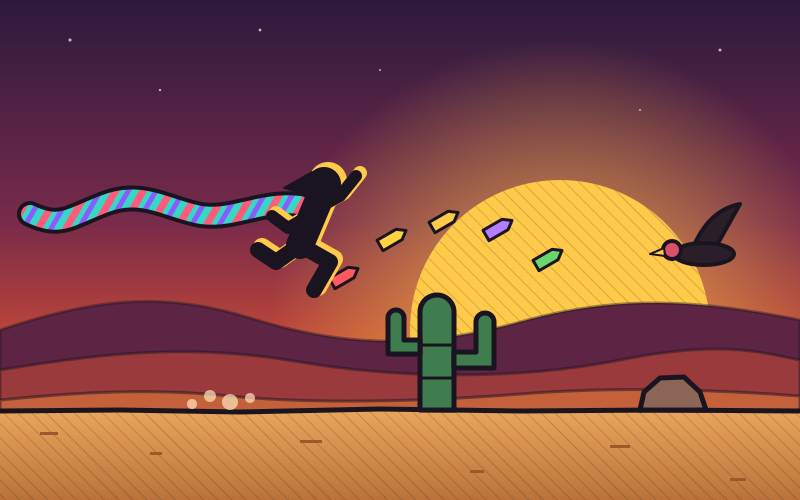
One-button desert runner at dusk. Tap to hop, hold to fly higher, duck vultures, chain close calls and run five biomes in a scarf you draw.
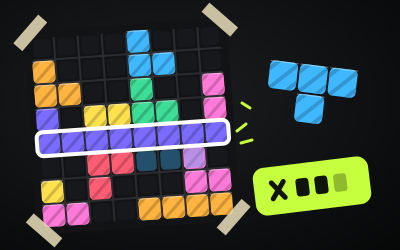
Block Doodle
8x8 block puzzle: drag pieces onto the board, clear rows and columns, chain combos. Classic, a Daily and 60 puzzles.
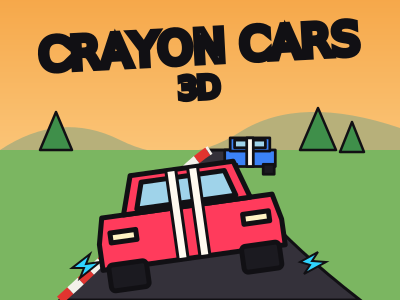
Crayon Cars 3D
A 3D lap racer in a sketchbook world: draw your car's livery, draw your own tracks, drift for boost and beat seven rivals to the cup.