 Doodle Cub
How to play FreeCell Doodle
- Pick a tier and press Deal, or open today's Daily. The top bar shows the deal number and your moves against par.
- Build the eight columns down in alternating colours (a red 6 on a black 7). Any card can go into an empty column.
- Park single cards in the free cells to dig out Aces, then build the four foundations by suit from Ace to King.
- Move a run of cards at once when you have room: the limit is (free cells + 1) doubled for every empty column. The limit shows when you pick up a run.
- Cards go home on their own when no other card could still need them. Win in par moves or fewer for a Par stamp, 10 under par for a Sharp stamp.
About this game
FreeCell Doodle is classic FreeCell on a charcoal linen table with flat white cards, ochre and teal accents and geometric face cards. Deal numbers match the classic Microsoft FreeCell deals, so deal #1 is the deal you may remember, and you can type in any number from 1 to 1,000,000. Before you see a deal, a solver has already won it and measured its par: the number of moves in its tidied-up solution. Moves to the foundations are free; every other move, every undo and 3 per hint count. Win in par or fewer for a Par stamp, 10 under for a Sharp stamp. Easy, Medium and Hard deals are sorted by par; three Medium wins open Hard, three Hard wins open Tight (one free cell locked) and three Tight wins open Brutal (only two free cells). Par stamps unlock new tables, and you can draw your own King, Queen and Jack in the deck's three colours. The Daily is one deal per tier for everyone, with a 30-day calendar and a streak. If you reload by accident, your deal comes back paused.
Controls
| Keyboard | Touch |
|---|---|
| DragMove a card or a run | Drag with a finger |
| ClickSend a card to its best spot | Tap the card |
| 18Pick a column, then a target column | Hold a card, then tap where it goes |
| QWERPick a free cell (as source or target) | Hold a free-cell card / tap a free cell |
| FTarget the foundation | Tap a foundation |
| ZUndo (or Ctrl/Cmd+Z) | Undo button (bottom right) |
| HHint (costs 3 moves) | Hint button (bottom right) |
| PPause and resume (or Esc) | Pause button (top) |
| EnterDeal again | Deal again button |
On a phone or tablet: Tap a card to send it to its best spot; drag it, or hold it and tap where it goes, for an exact move. Undo and Hint sit under your right thumb (left in Left-handed), Pause at the top; the touch table comes on whenever you play by touch, touch-screen laptops included, and the keyboard brings back the desktop table. The pause menu has On-screen controls (Auto, Always, Off), Left-handed and Vibrate. Every card is at least 44 px to tap on a 375 px phone; held sideways, the free cells and foundations move to a side rail.
Questions
Is FreeCell Doodle free?
Yes. It is free to play in your browser, with nothing to download and no sign-up.
Can every deal be won?
Yes. Each deal is solved before you see it, so there is always a winning line. A wrong move can still trap you; undo a few moves and try another way.
What is par and how are moves counted?
Par is the length of the solver's own solution after redundant moves are removed. Moving a card or a run to a column or a free cell counts 1; moves to the foundations are free; an undo counts 1 and does not give the move back; a hint counts 3.
How many cards can I move at once?
As many as (free cells + 1) times 2 for each empty column, not counting the column you move into. With 4 free cells and no empty column that is 5 cards; with one empty column it is 10.
Are the deal numbers the same as Microsoft FreeCell?
Yes. Deals 1 to 1,000,000 are shuffled the same way, so you can replay a deal you know by typing its number. The few deals known to have no solution, such as #11982, are never served.
How do I unlock Hard, Tight, Brutal and the tables?
Three Medium wins open Hard, three Hard wins open Tight and three Tight wins open Brutal. Tables unlock with stamps: Bauhaus at 1 Par stamp, Terrazzo at 5, Brass at 15 and Teal Night at 5 Sharp stamps.
More games

Doodle Dash
Paint your car, then race the clock down a neon highway. Scrape past traffic for nitro.
Doodle Snake
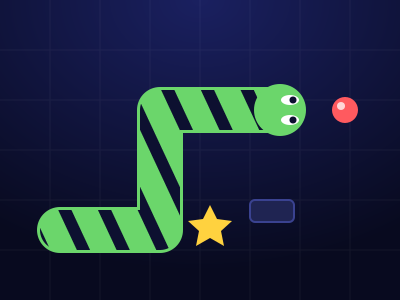
Neon snake with a skin you draw. Chain orbs up to x8, dodge blocks and sparks, grab power-ups, beat your best.
Coloring Book
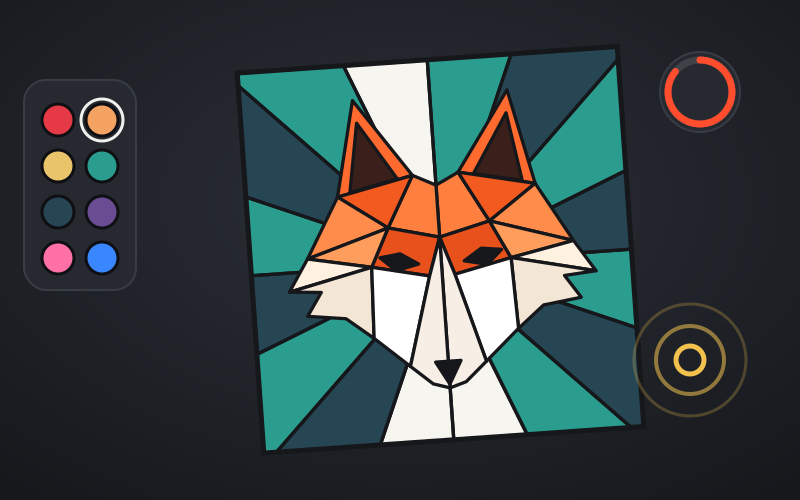
Bold line-art pages to fill: city scenes, sneakers, low-poly animals and mandalas. Beat the par in Speed Fill and play the daily Palette Drop.
Crayon Solitaire
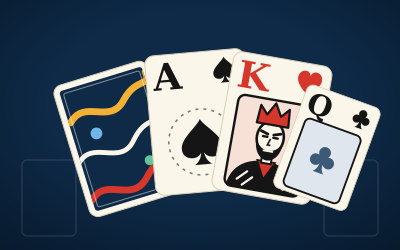
Klondike solitaire on ink-blue felt. Every deal is solver-checked winnable. Draw 1 or Draw 3, a Daily Deal, Vegas mode and a card back you draw yourself.

Crayon Runner
One-button desert runner at dusk. Tap to hop, hold to fly higher, duck vultures, chain close calls and run five biomes in a scarf you draw.
Block Doodle
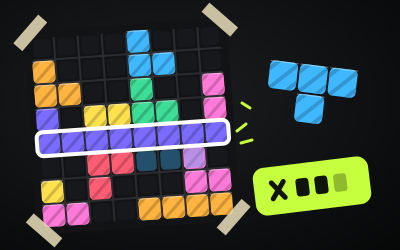
8x8 block puzzle: drag pieces onto the board, clear rows and columns, chain combos. Classic, a Daily and 60 puzzles.