 Doodle Cub
How to play Crayon Runner
- Draw a pattern for your scarf, or press Random, then press Run.
- Press Space (or tap the Jump button bottom right) to jump. Hold it to jump higher: a tap clears a small cactus, a full hold clears a tall one.
- Hold the down arrow (or the Duck button bottom left) to duck under vultures, or to drop fast in the air. Right-click or a swipe down also work.
- Clear a hazard with almost no air to spare for a close call: +25 points and +0.5 to your multiplier, up to x3, for 6 seconds.
- Every 1,000 m the biome changes and brings a new hazard. Grab crayon stubs to buy the double jump, runners and trails, and finish all three missions to rank up.
About this game
Crayon Runner is an endless runner set in a wax-crayon desert at dusk. You control a hooded runner with one button: tap for a short hop, hold for a high jump, and duck under birds. The run speeds up from 420 to 980 px per second and crosses five biomes, Dunes, Mesa, Salt Flat, Night Canyon and Ember Wastes, each adding hazards such as tall cacti, rolling tumbleweeds, cracks in the ground, vultures and boulders, in 42 hand-made patterns. Skimming a hazard is a close call that raises your score multiplier, so the riskiest jumps pay best. Crayon stubs collected on the way buy a double jump, new runners and trails, and three missions at a time lift your Rank. The scarf you draw streams behind you and grows longer the further you run. If you reload by accident, your run comes back paused.
Controls
| Keyboard | Touch |
|---|---|
| Space↑WJump (hold for height) | Jump button bottom right, or tap anywhere |
| ↓SDuck, or drop fast in the air | Duck button bottom left (hold), or swipe down |
| PEscPause and resume | Pause button top left |
| EnterRun again | Run again button |
On a phone or tablet: Play it sideways. Tap the Jump button bottom right and hold it for height; hold the Duck button bottom left to duck or drop fast. Tapping anywhere and swiping down still work. The buttons appear as soon as you play by touch, on a touch-screen laptop too, and step aside when you press a key. On-screen controls (Auto, Always or Off), Left-handed and Vibrate sit in the Gear tab and the pause menu.
Questions
Is Crayon Runner free?
Yes. It is free to play in your browser on a phone, tablet or computer, with nothing to download and no sign-up.
How do I jump higher?
Hold the jump. A quick tap gives a short hop that clears small cacti and rocks; holding for about a quarter of a second clears tall cacti and wide cracks. A press made just before you land still counts, and you can still jump for a moment after running off an edge.
What is a close call?
Clearing a hazard with less than about 10 px of space. It gives 25 points times your multiplier and raises the multiplier by 0.5, up to x3. The multiplier lasts 6 seconds and each new close call refreshes it.
How do I unlock runners and trails?
Some are bought with crayon stubs, some open when your best run passes a distance, and some at a Rank. The double jump costs 300 stubs. Each Rank also adds 5% to the stubs you bank.
What happens if I reload the page?
Your current run is kept for this browser tab and comes back paused with a short count-in. Your bests, stubs, missions and unlocks are saved in this browser.
Can I play on a phone or tablet?
Yes, held sideways. Play opens full screen with a Jump button under your right thumb and a Duck button under your left, both below the track. On a touch-screen laptop they appear as soon as you tap and hide again when you use the keys. Turn on Left-handed in the Gear tab or the pause menu to swap them.
More games

Doodle Dash
Paint your car, then race the clock down a neon highway. Scrape past traffic for nitro.
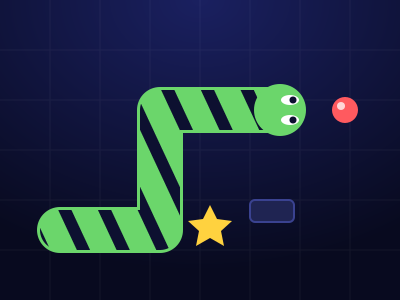
Doodle Snake
Neon snake with a skin you draw. Chain orbs up to x8, dodge blocks and sparks, grab power-ups, beat your best.
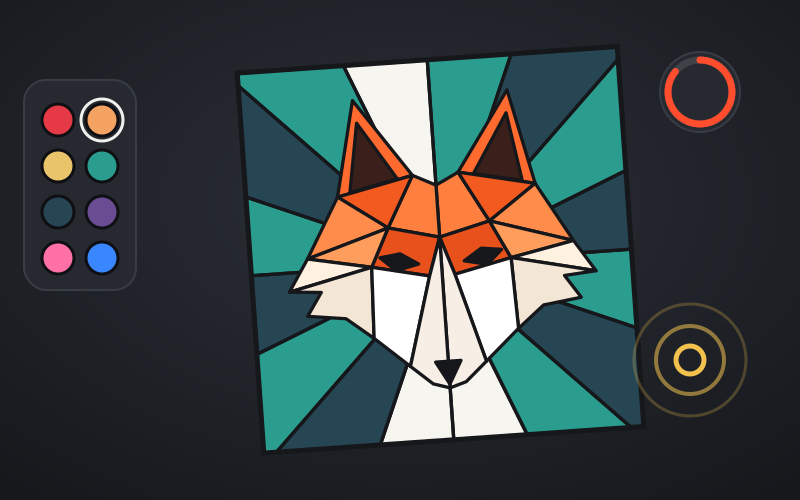
Coloring Book
Bold line-art pages to fill: city scenes, sneakers, low-poly animals and mandalas. Beat the par in Speed Fill and play the daily Palette Drop.
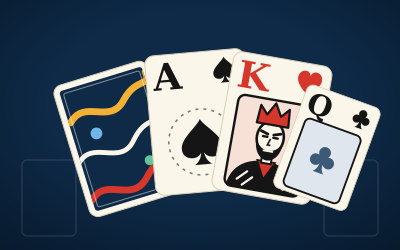
Crayon Solitaire
Klondike solitaire on ink-blue felt. Every deal is solver-checked winnable. Draw 1 or Draw 3, a Daily Deal, Vegas mode and a card back you draw yourself.
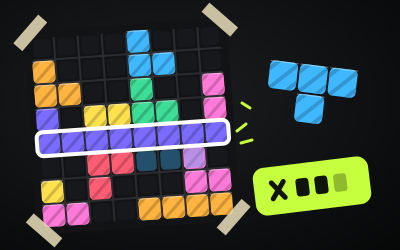
Block Doodle
8x8 block puzzle: drag pieces onto the board, clear rows and columns, chain combos. Classic, a Daily and 60 puzzles.
Crayon Cars 3D
A 3D lap racer in a sketchbook world: draw your car's livery, draw your own tracks, drift for boost and beat seven rivals to the cup.