 Doodle Cub
How to play Crayon 2048
- Slide the board up, down, left or right. Every crayon moves as far as it can, and two crayons with the same number that meet merge into one worth both (two 8s make a 16).
- After each slide a new 2 (sometimes a 4) appears in an empty cell. When the board is full and nothing can merge, the run is over.
- Levels give you a goal, such as making a 256 or breaking every cracked stone. Clear it for a star, clear it without Undo for a second, and within par moves for a third. Stars open the next box of levels.
- Stones never move, so crayons stop against them. A cracked stone breaks when a merge worth its number (or more) happens right next to it.
- Undo takes back one slide (the next new crayon stays the same, so it is no re-roll). A Swap stroke trades two neighbouring crayons: drag from one to the other. Both are scarce, so save them for a locked board.
About this game
Crayon 2048 is the slide-and-merge number puzzle with a marker-set look: every value is a marker cap colour, rising from cool greys through loud oranges and greens to violet and metal. Levels turn it into a run of goals across 24 boards in four boxes: small 3x3 boards, stones that block slides, cracked stones you break by merging next to them, and heavy boards where more 4s land. Each level has three stars to earn, and stars open the next box. Classic is the open board on 3x3, 4x4 or 5x5 with one Undo and Swap strokes you earn at 512 and 2048. The Daily gives everyone the same board and the same new crayons for the day, with a streak to keep. Rush is two minutes on the clock, with five seconds back for every merge of 128 or more. Three more tile sets (Chalk, Neon and Chrome) unlock as you play, and a reload brings your board back paused.
Controls
| Keyboard | Touch |
|---|---|
| ←↑→↓WASDSlide every crayon | Swipe the board, or tap the arrow pad |
| UUndo one slide (Backspace too) | Undo button |
| XSwap stroke: pick a crayon with the arrows and Space, then an arrow to swap it | Swap button, then drag from a crayon to its neighbour |
| PEscPause and resume | Pause button at the top |
| EnterPlay, Keep going or Play again | The big button on each card |
| MSound on or off | Sound in the pause menu |
On a phone or tablet: Swipe anywhere on the board to slide, or tap the arrow pad beside it (under it on an upright phone). Undo and Swap sit next to the pad, and Pause is at the top. Holding an arrow keeps sliding. Moves you make while crayons are still moving are queued, so fast swipes never get lost. Left-handed swaps the sides; the pause menu sets the controls to Auto, Always or Off.
Questions
Is Crayon 2048 free?
Yes. It is free to play in your browser on a phone, tablet or computer, with nothing to download and no sign-up.
How do stars work in Levels?
One star for reaching the goal, one for doing it without Undo, and one for doing it within the par move count shown in the bar. Box 2 opens at 8 stars, Box 3 at 20 and Box 4 at 34.
What are cracked stones?
Grey blocks with a number on them. Like plain stones they stop every slide, but a merge worth that number or more in a cell right next to one breaks it and frees the cell.
Can Undo change the next crayon?
No. Undo puts the board back exactly as it was, including what appears next, so it saves a mistake but never re-rolls your luck.
Is the Daily the same for everyone?
Yes. Each day has one starting board and one order of new crayons for every player. Your best score for each day and your day streak are kept.
How do I unlock the other tile sets and 5x5?
Chalk unlocks at 12 stars, Neon when you make a 1024 anywhere, and Chrome when you make a 2048. Making a 1024 also opens the 5x5 Classic board.
What happens if I reload the page?
Your board comes back paused in the same tab, down to the next crayon that will appear. Stars, bests and tile sets are saved in this browser.
More games
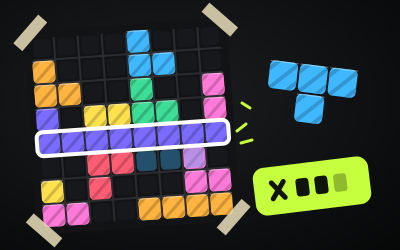
Block Doodle
8x8 block puzzle: drag pieces onto the board, clear rows and columns, chain combos. Classic, a Daily and 60 puzzles.
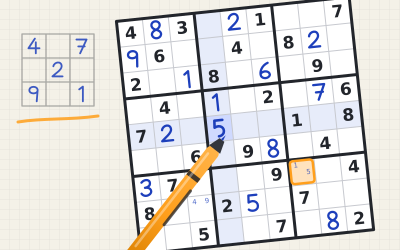
Doodle Sudoku
Sudoku you write by hand. Five tiers graded by the logic they need, a Daily puzzle, Strict mode and best times to beat.
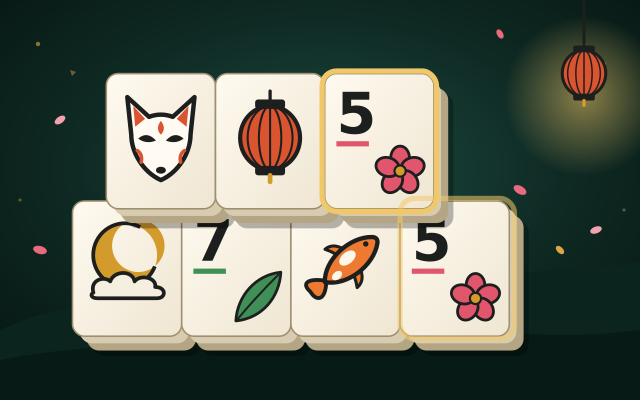
Mahjong Garden
Mahjong solitaire on dark jade lacquer. 48 layouts in six gardens, every deal winnable, combos, par stars, a Daily layout and Season tiles you draw yourself.
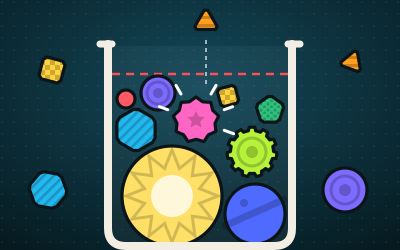
Doodle Drop
Drop shapes in a jar and merge two of a kind into the next one up, from Dot to Nova. Real physics, chains, a Daily and 18 goals.
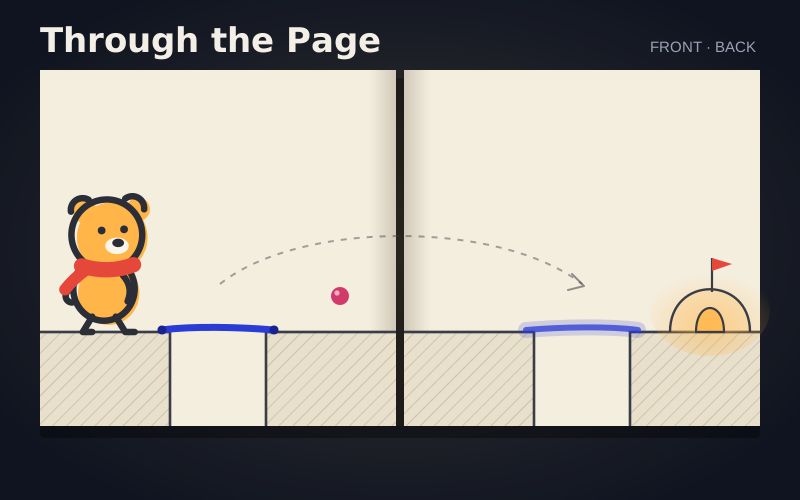
Doodle Cub: Through the Page
Draw on one side of a sketchbook page and the ink soaks through to the other, mirrored. 100 pages in 10 chapters: tape, holes, pencil, stamps, springs and a sheet that loops.

Doodle Dash
Paint your car, then race the clock down a neon highway. Scrape past traffic for nitro.