 Doodle Cub


Version 2.0.0 iPad and iPhone
Inkpage: Notes & PDF Markup
Handwriting, study & planner
Typed text, Apple Pencil handwriting and PDFs on the same page, plus a study library of 10,000+ worked problems and a worksheet generator.
- iPad and iPhone
- No account
- Your notes in your own iCloud
- Pro is one purchase, no subscription
Top 4
A notebook that also teaches
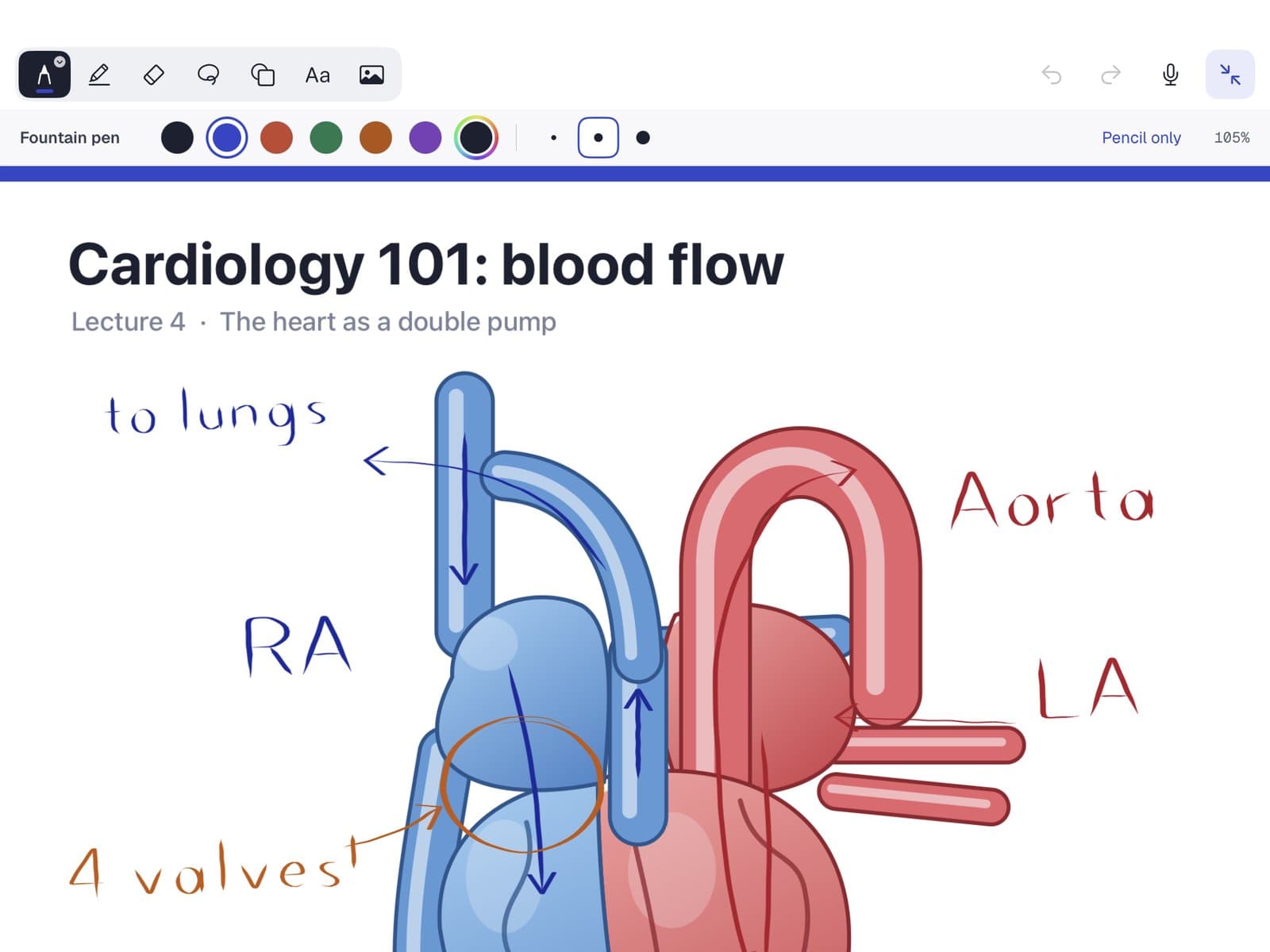
Mark up PDFs, look up worked problems, make worksheets and check your math, all on the page you are writing on.
Mark up any PDF
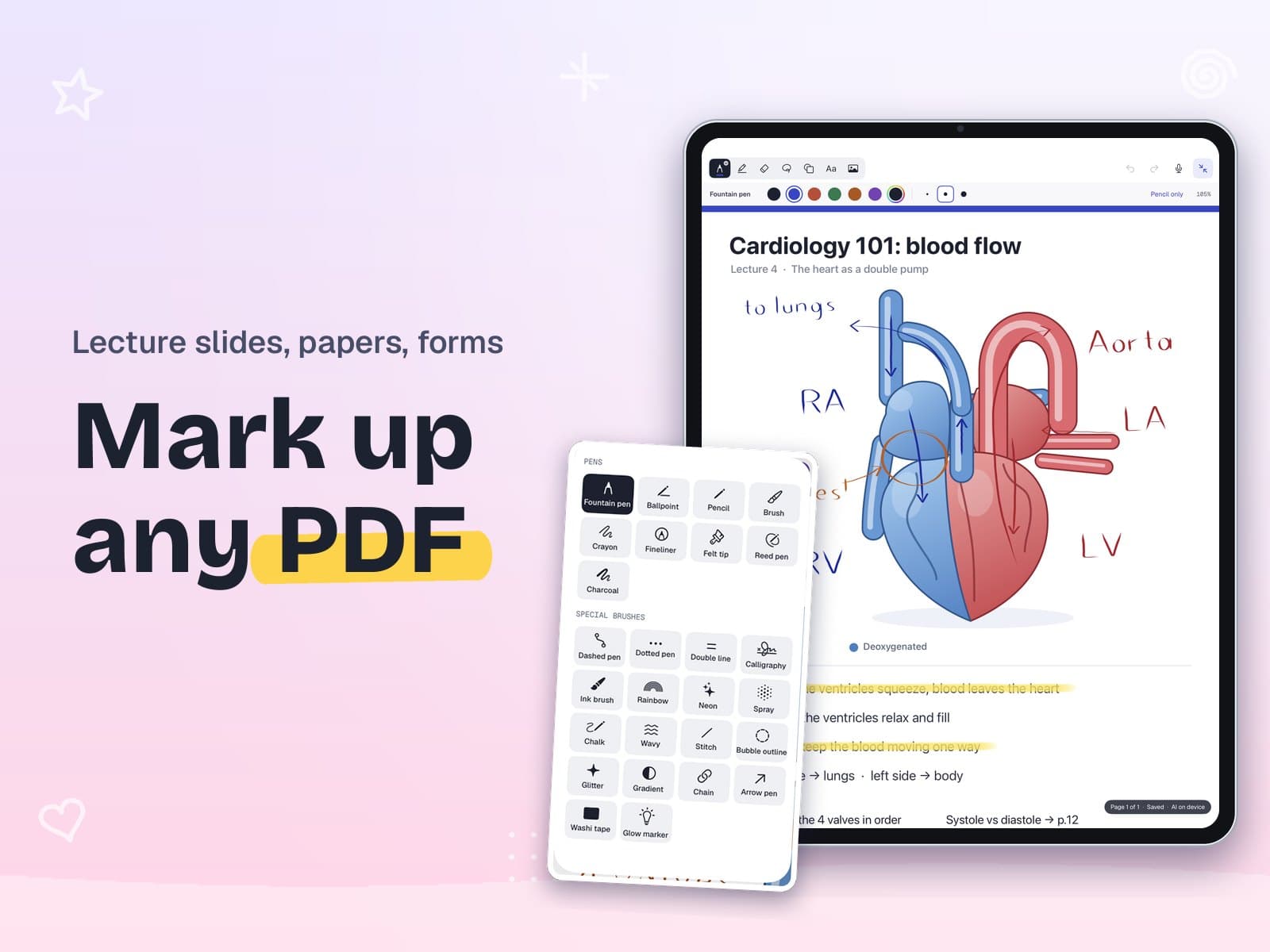
Ink any PDF
Import lecture slides, papers or forms and write on every page with Apple Pencil. Read mode keeps the page clean.
- 28 pens and brushes, from fountain pen to highlighter
- Lasso to move, resize or recolor what you wrote
Study library
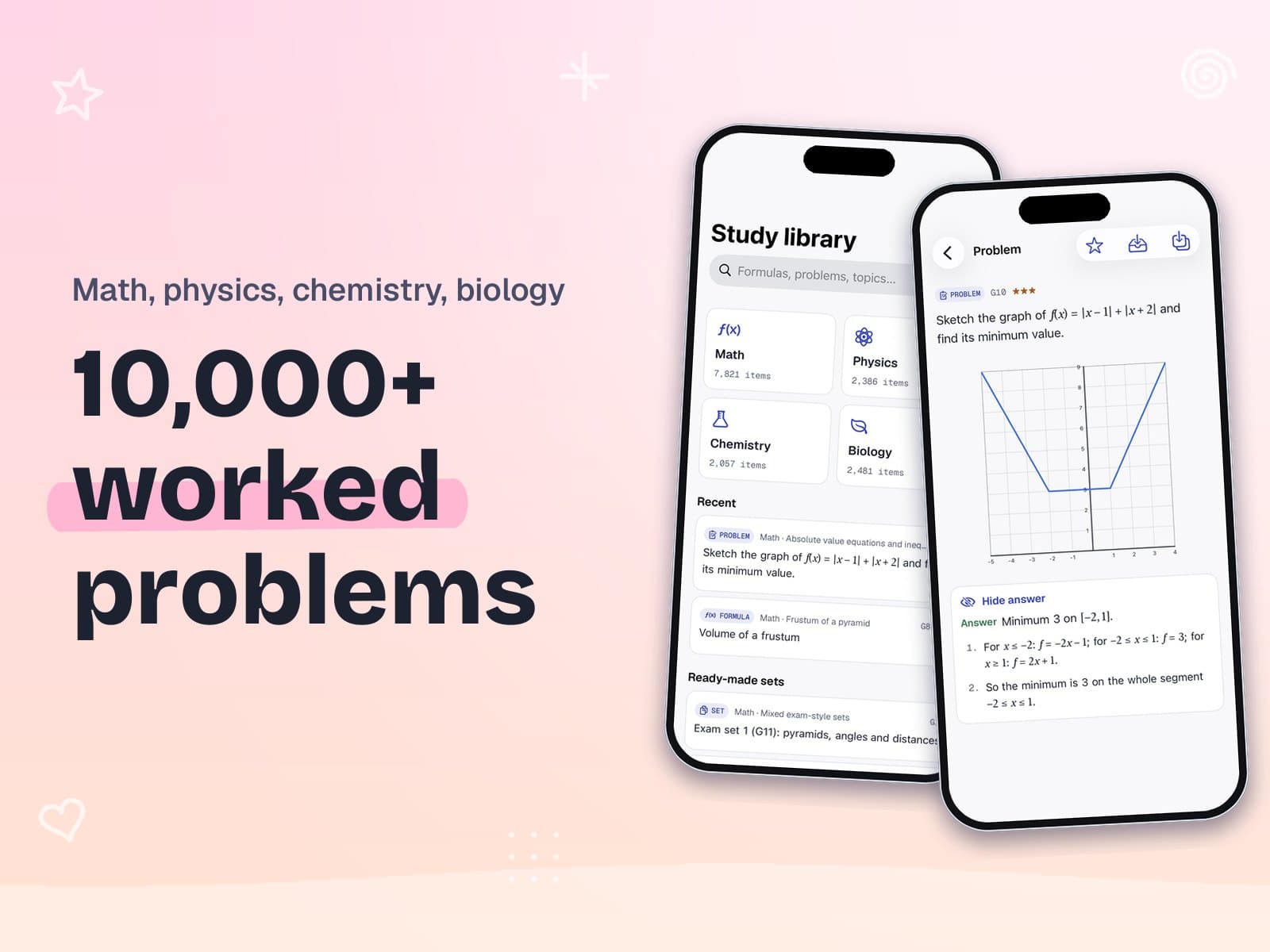
New10,000+ worked problems
Math from grade 1 to university, physics, chemistry and biology: formulas, concepts and problems with step-by-step solutions.
- Search a formula or topic and insert it
- Question only, with the answer, or with the full solution
- Content in English
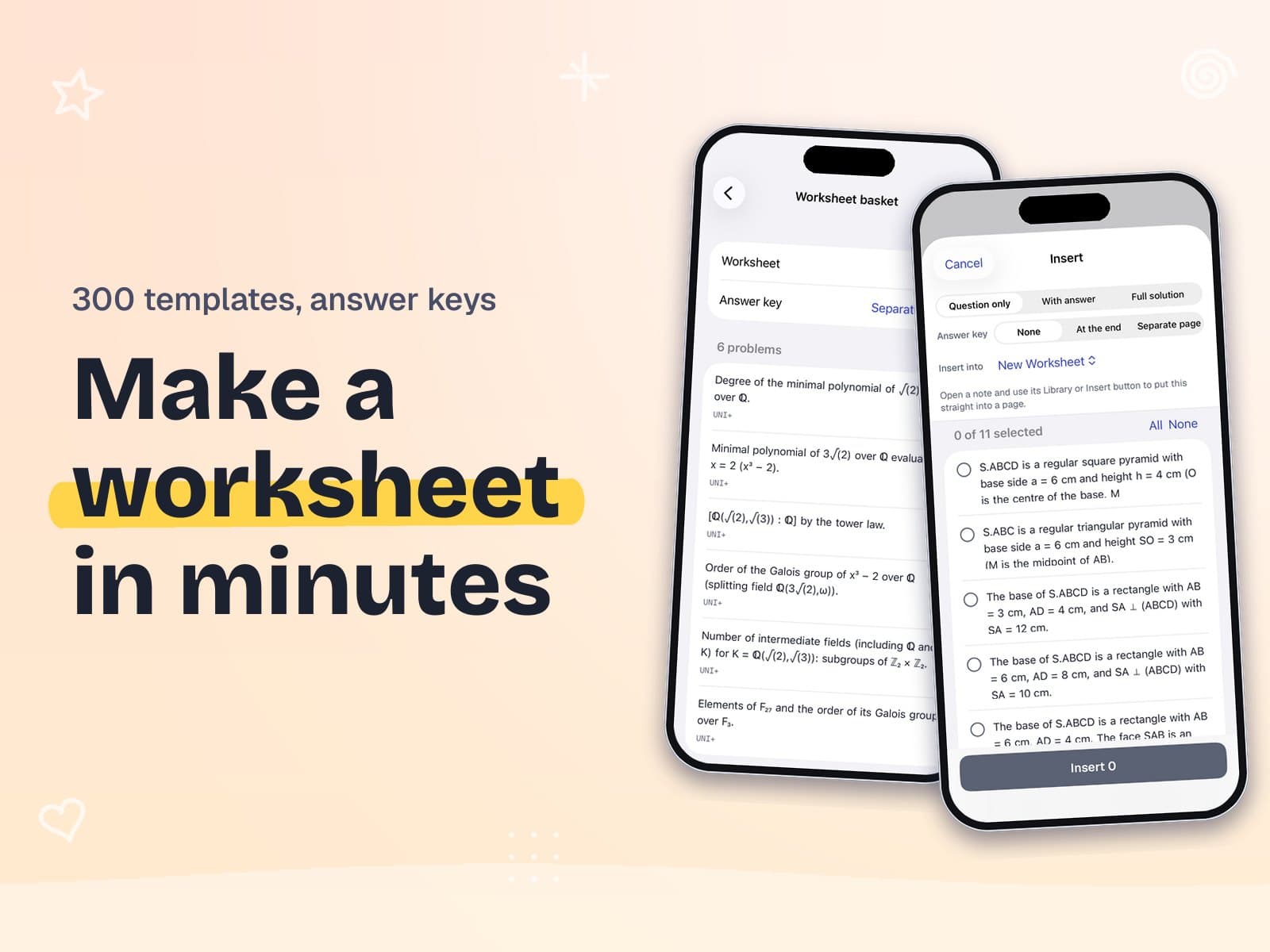
Worksheets
NewMake a worksheet in minutes
An exercise generator with 300 templates: type the numbers or randomize them, then make a worksheet with an answer key.
- More like this: new numbers for the same problem
- Answer key at the end or on a separate page
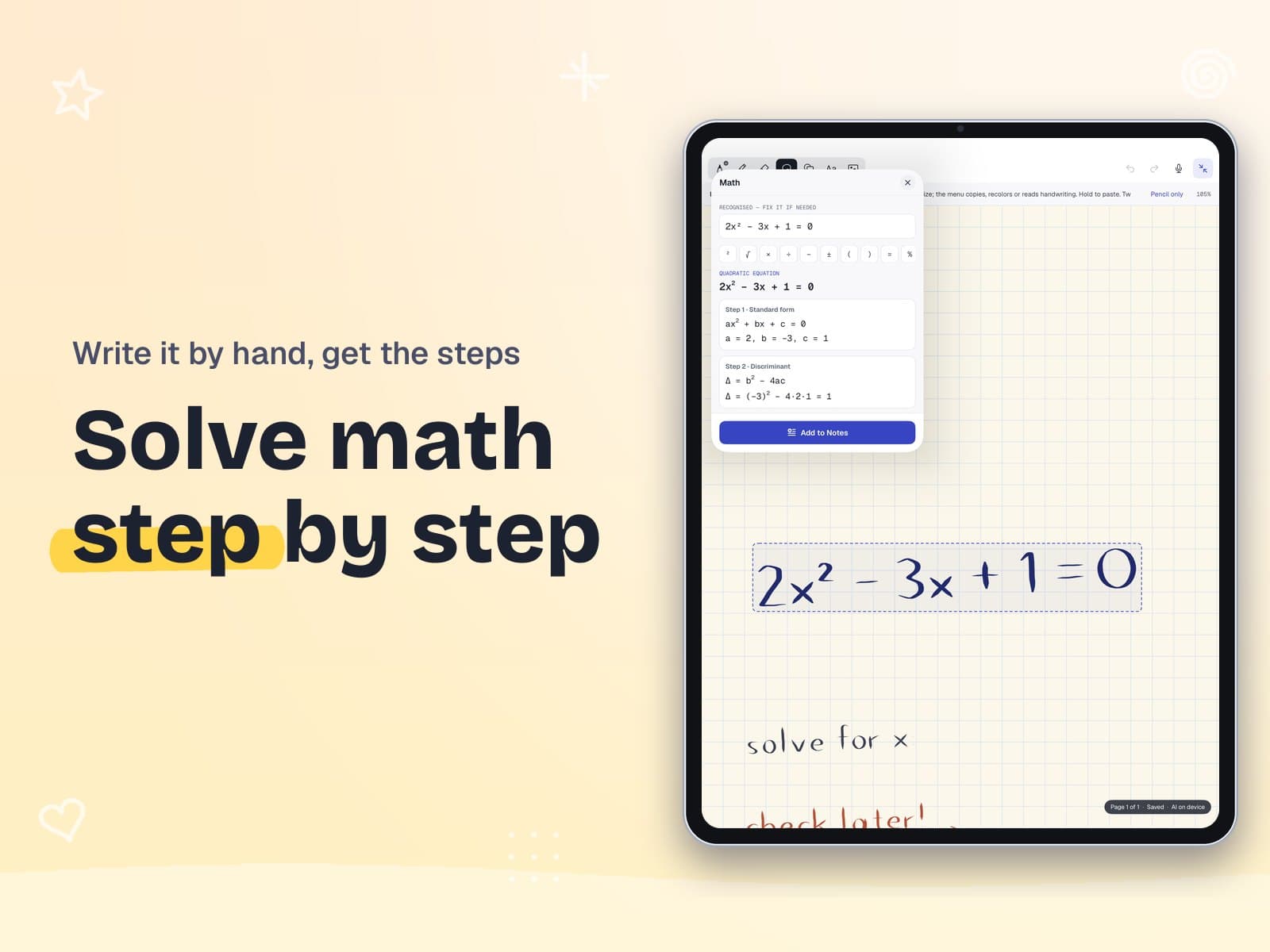
Solve math
Solve math step by step
Write an equation by hand and see the solution one step at a time. Fix a misread digit and it solves again.
And more
Everything else on the page
Pretty notes, charts, a planner, a scanner and search that reads your handwriting.
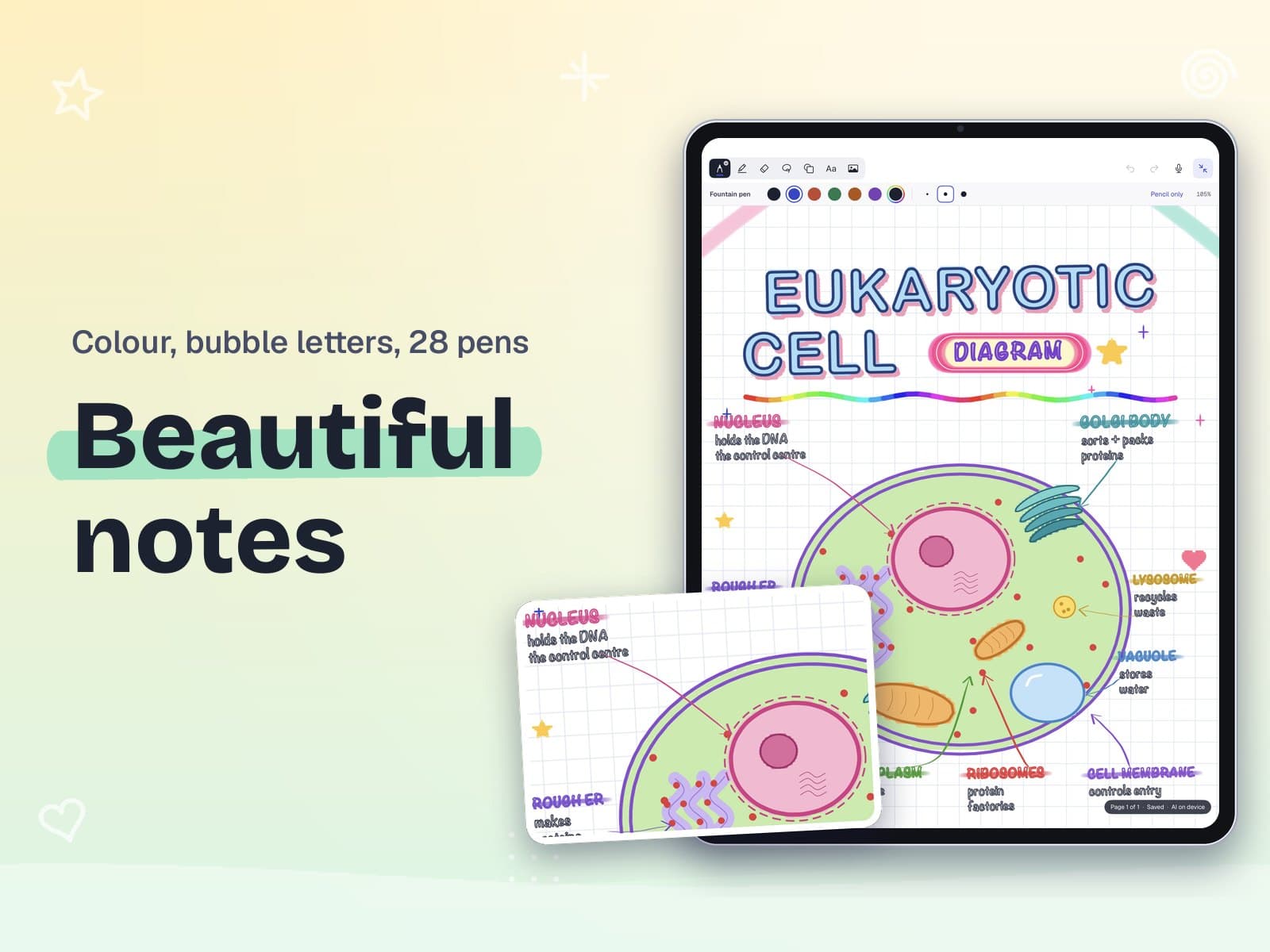
Beautiful notes
Bubble letters, washi tape, neon and rainbow brushes for notes worth keeping.
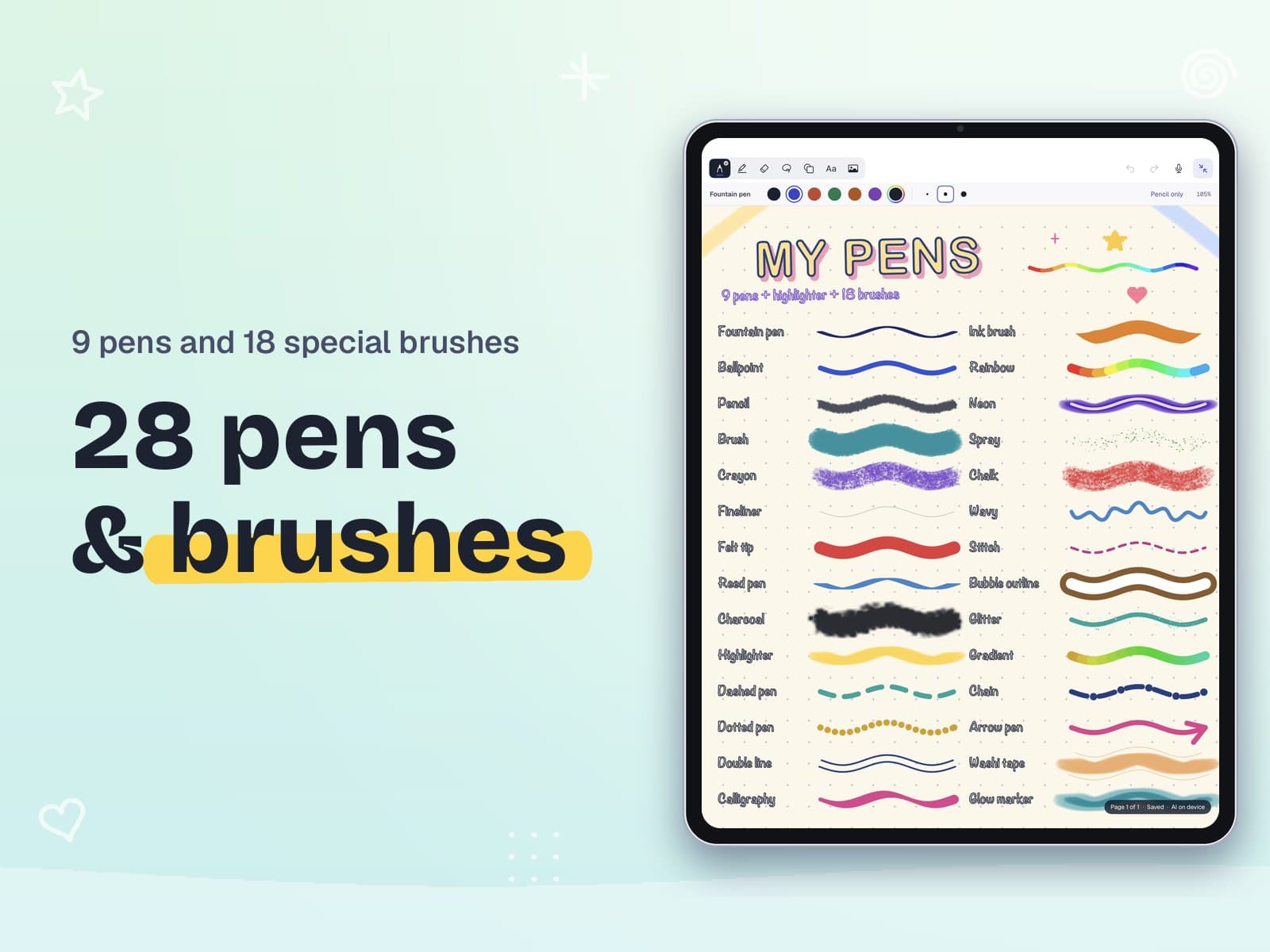
28 pens and brushes
Fountain pen, pencil, crayon, calligraphy, glitter and more, in one tray.
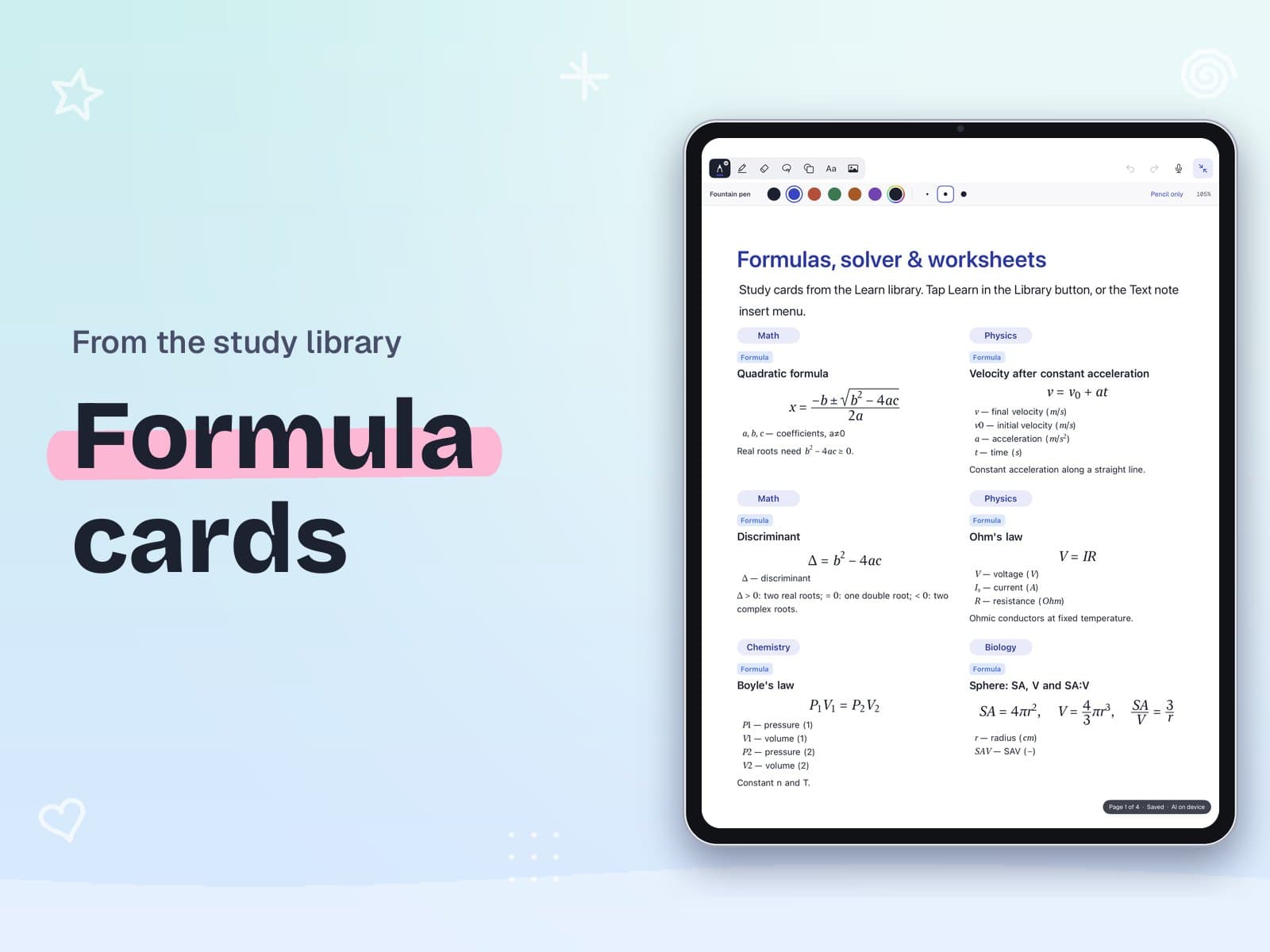
Formula cards
Insert a formula with every symbol explained, for a one-page revision sheet.
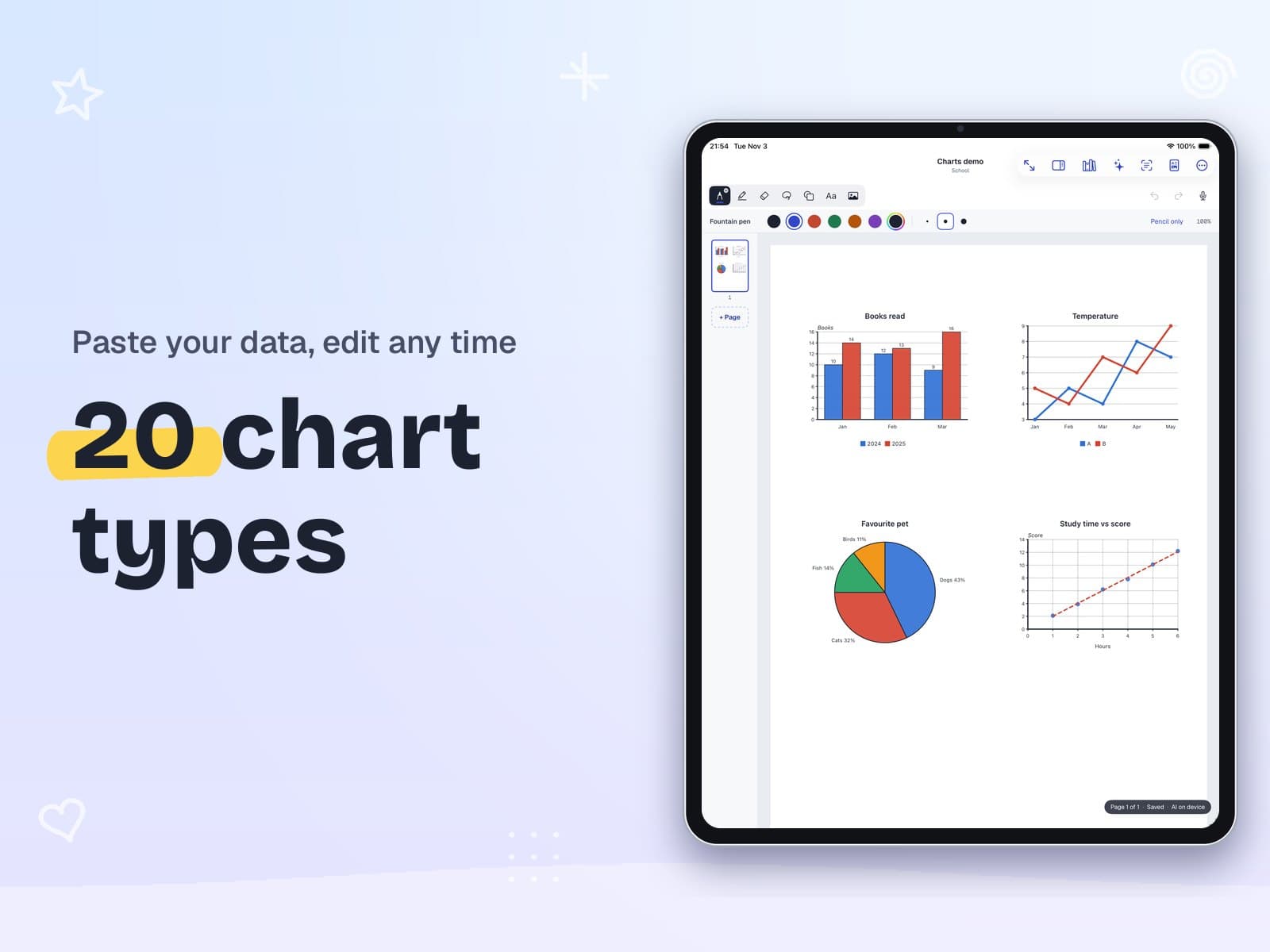
20 chart types
Bar, line, pie, scatter, histogram, box plot, Venn and more. Paste your data and edit it any time.
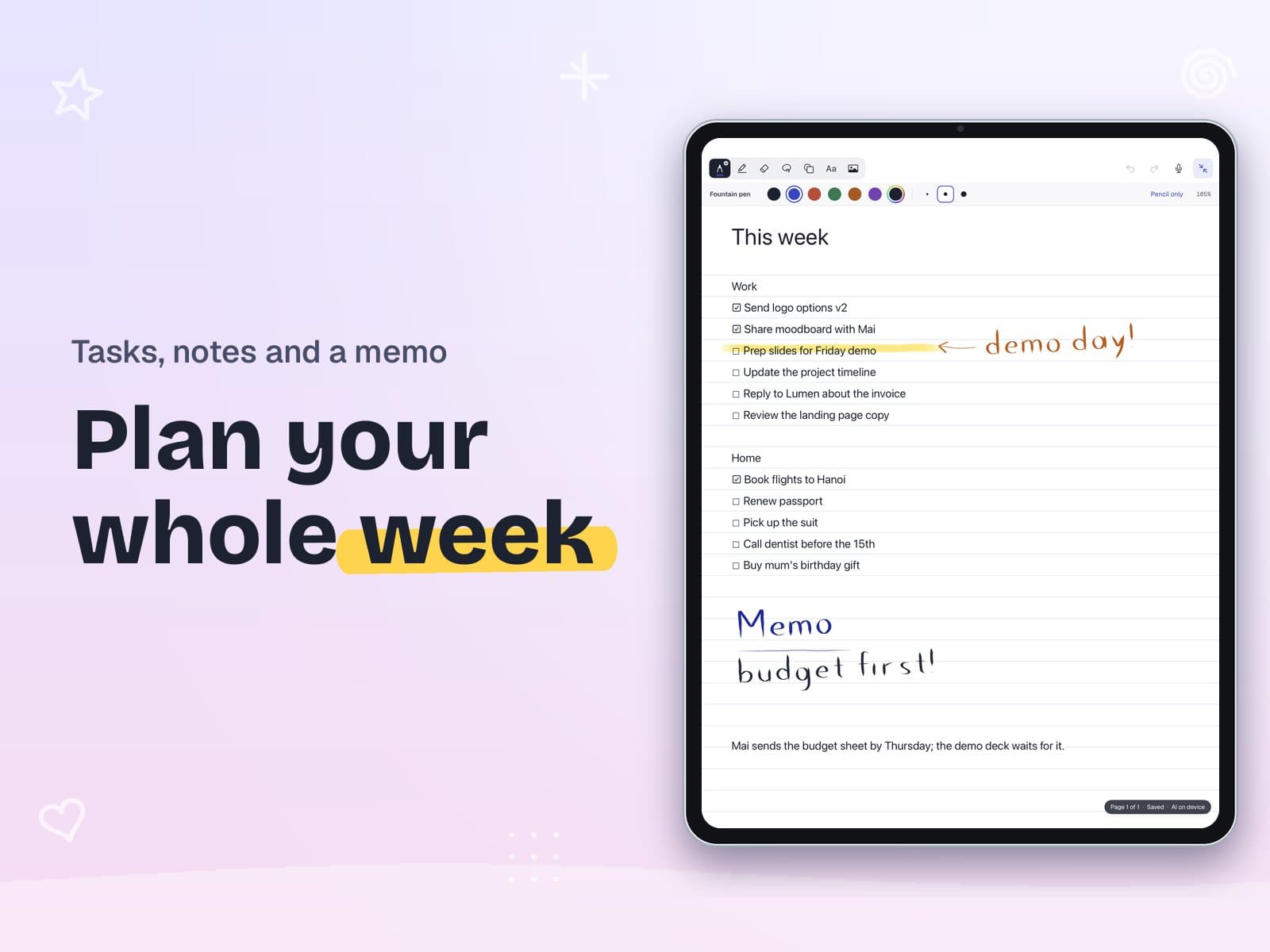
Plan your week
Checklists in any note become tasks with dates and reminders.
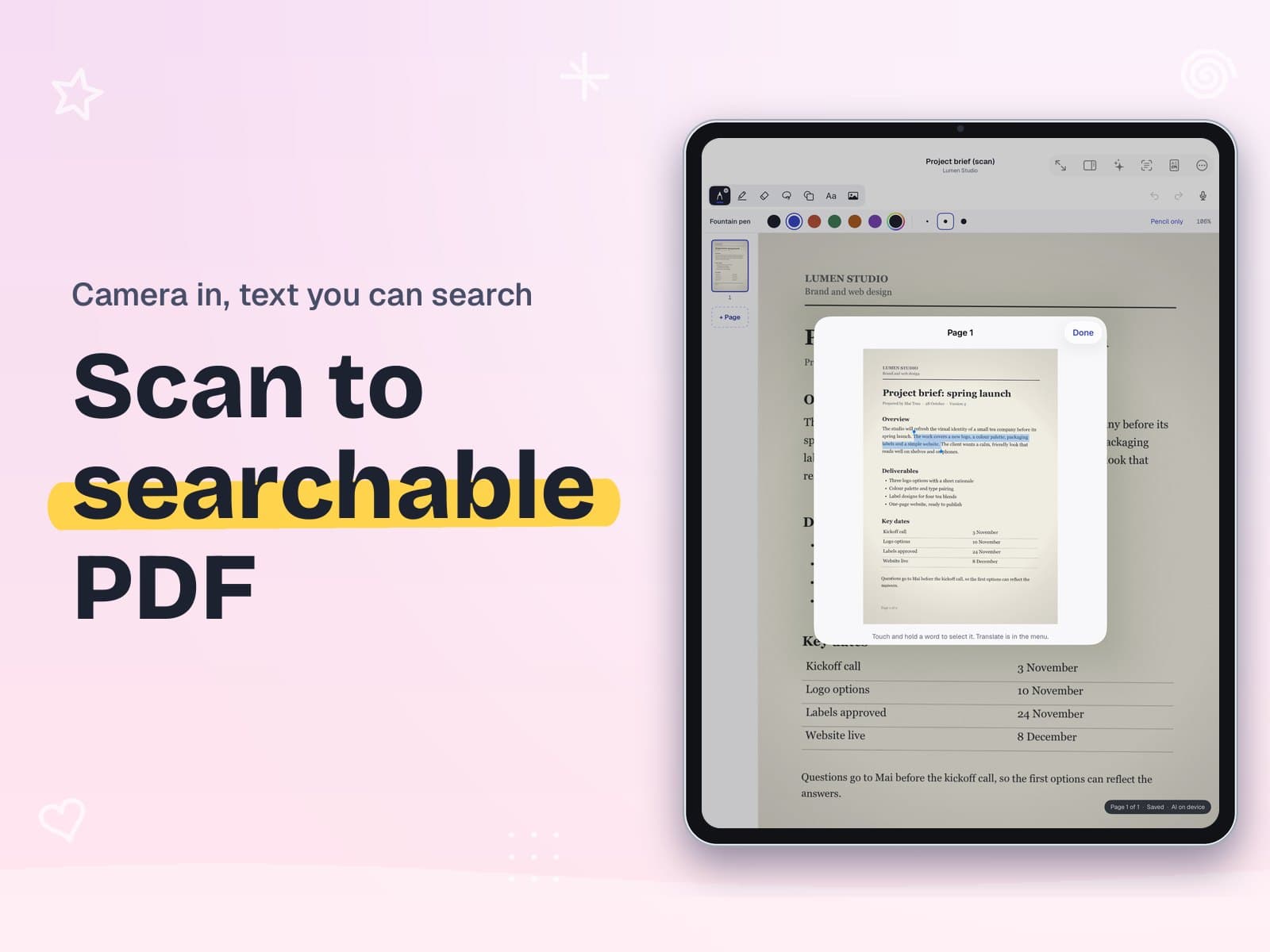
Scan to searchable PDF
Scan paper with the camera, then select and search the text.
- Find any wordSearch finds words you typed, wrote by hand, or that sit in a PDF, a photo or a recording.
- Word, Excel and CSVOpen Word files as notes you can edit; Excel and PowerPoint become pages to mark up; edit CSV tables.
- Audio notesRecord while you write, then tap a line to hear what was said. Transcribe on the device.
- Calendar and widgetsA calendar that syncs with the Calendar app, and task widgets for the Home Screen and Lock Screen.
- Private pagesLock pages or whole workspaces with Face ID or a passcode and hide them from search and widgets.
- 11 languagesEnglish, Spanish, French, German, Italian, Portuguese, Japanese, Korean, Chinese and Vietnamese.
Your notes stay yours
- No accountNo sign-up. Open the app and write.
- Your own iCloudSync through your private iCloud, or keep notes on one device.
- AI on the deviceSearch by meaning and summaries run on supported devices, and you choose which workspaces AI may read.
- Free full backupA .zip of Markdown, PDFs and pictures, so your notes are never locked in.
Free to download, one purchase for Pro
Inkpage is free to download. Free covers notes, PDF markup, the scanner, charts and the whole study library to browse, with each answer and the first step of its solution.
Inkpage Pro is a one-time purchase, not a subscription: every pen, brush, template and library item, full study library solutions, worksheets and PDFs, AI summaries, audio transcription, handwriting and PDF search, and export with your marks and to Office files. The App Store shows the price for your country before you buy.
See the terms of use and the privacy policy. Need help? Inkpage support.
Questions
Do I need an account?
No. There is no sign-up. Your notes are on the device and in your own iCloud if sync is on.
What does the study library cover?
Math from grade 1 to university (with full solid geometry), physics, chemistry and biology: formulas, concepts and over 10,000 worked problems. The content is in English.
Can I make worksheets with an answer key?
Yes. Collect problems or generate them from 300 templates, then put the answer key at the end or on a separate page and export a PDF (Pro).
Is Pro a subscription?
No. Inkpage Pro is a single purchase that does not renew.
I used the old iNotebook. Where are my notes?
Inkpage is the new iNotebook. Update the app and open it: the welcome screen copies the old notes it can read, and the old files are never changed.
Get Inkpage
For iPad and iPhone.