 Doodle Cub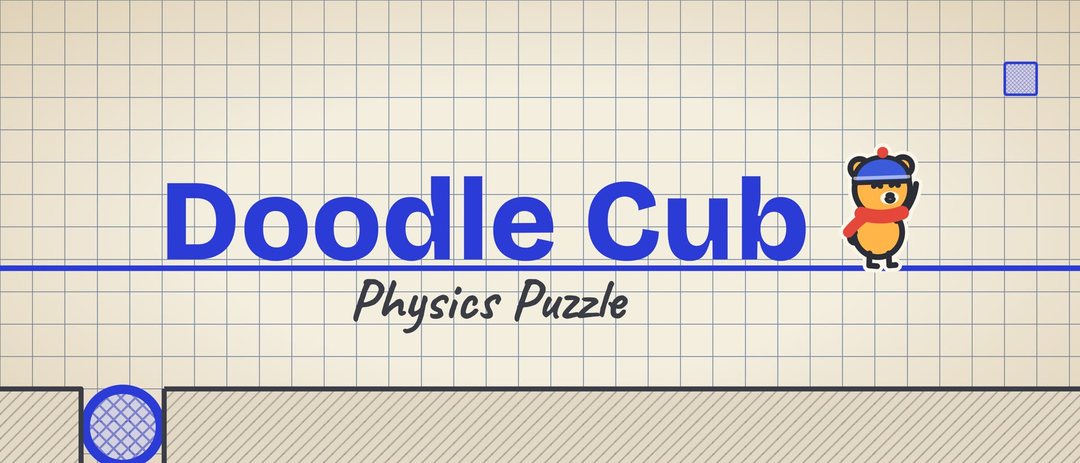
Support / Doodle Cub: Physics Puzzle
Doodle Cub: Physics Puzzle support
A physics puzzle in a paper notebook: draw, cut, erase, drill and hammer to get Cub home across 72 pages in 8 chapters.
Contact us
A question, a bug or an idea: write to us and a person will answer. Please tell us the app name, your device, its iOS version and what happened.
Restore purchases
- Sign in to the App Store with the Apple ID you used to buy.
- Open Settings (the gear on the title screen or in the pause card).
- Tap Restore Purchases. Everything you bought that does not get used up comes back, on this device or a new one.
Questions and answers
Does it need the internet?
No. The whole game plays offline.
How do hints work?
Everyone starts with 3 hints and gets 1 free hint a day. The Full Sketchbook gives unlimited hints; hint packs add more.
Will my progress move to a new phone?
Progress is saved on the device only. Your Game Center scores and achievements follow your Game Center account, and the Full Sketchbook comes back with Restore Purchases.
I bought something but it is not unlocked. How do I restore purchases?
Open Settings (the gear on the title screen or in the pause card) and tap Restore Purchases, signed in with the same Apple ID you used to buy. Purchases belong to your Apple ID, so they also come back on a new iPhone or iPad. Consumable items (such as hint packs) cannot be restored once they are used.
How do I get a refund?
Apple handles every payment, so refunds are requested from Apple at reportaproblem.apple.com. We cannot issue refunds ourselves.
How do I delete my data?
Doodle Cub: Physics Puzzle keeps its data on your device. Deleting the app removes what it saved on the device. To ask about anything else, write to [email protected].
Read the Doodle Cub: Physics Puzzle privacy policy and the terms of use. More about the app: Doodle Cub: Physics Puzzle.